


Over 65% of retail businesses plan to overhaul their entire technology stack by the end of 2026 to combat rising operational costs. I’ve seen firsthand what happens when that overhaul gets delayed. A few years back, I was standing in the back room of a small boutique, surrounded by boxes of uncounted stock and a laptop running a spreadsheet that kept crashing. We genuinely believed we were saving money by doing it manually. We weren’t. We were bleeding profit every single day, and the spreadsheet was just the most visible symptom.
I think about that situation a lot when I look at platforms like Brightpearl or Lightspeed now. What we were trying to build with Excel and stubbornness, these tools do automatically, in real time, without anyone having to stay late counting boxes.
Finding the right retail software isn’t about convenience. It’s the difference between a business that scales and one that stalls. Whether you run a global franchise or a local brick-and-mortar, the system you choose now will shape how you operate for the next decade. Get it right and you’ll wonder how you ever managed without it. Get it wrong and you’ll spend two years trying to migrate out of it, which is its own kind of painful.
Table of Contents
-
TL;DR: The Quick List for Busy Retailers
-
How We Graded These Solutions: The Criteria
-
1. Retail Plus
-
2. Manhattan Active
-
3. Square for Retail
-
4. Brightpearl
-
5. Retail Pro
-
6. Sage (Intacct & Inventory Planner)
-
7. Lightspeed Retail
-
8. Shopify
-
Notable Mentions
-
Frequently Asked Questions
-
Final Thoughts
TL;DR: The Quick List for Busy Retailers
No time to read the full breakdown? Here’s the cheat sheet:
-
Best for Simplicity: Retail Plus
-
Best for Enterprise Supply Chains: Manhattan Active
-
Best for Getting Started Quickly: Square for Retail
-
Best for Automating Operations: Brightpearl
-
Best for International Customization: Retail Pro
-
Best for Financial Planning: Sage
-
Best for Complex Inventory: Lightspeed Retail
-
Best for Omnichannel Sales: Shopify
Comparison Table
|
Software Solution |
Best For |
Key Strength |
Pricing Model |
|---|---|---|---|
|
1. Retail Plus |
Simplicity |
Easy installer, no IT team needed |
Free version available; Quote-based |
|
2. Manhattan Active |
Enterprise Supply Chains |
“Endless Aisle” & Supply Chain Visibility |
Custom Enterprise Quote |
|
3. Square for Retail |
Speed & Startups |
Zero-contract, immediate setup |
Free Plan; Monthly Subscription |
|
4. Brightpearl |
Automating Operations |
Retail Operating System (ROS) automation |
Custom (Volume-based) |
|
5. Retail Pro |
International Customization |
Fiscal compliance across 130+ countries |
Monthly per user/location |
|
6. Sage |
Financial Planning |
Predictive inventory & accounting |
Quote-based |
|
7. Lightspeed Retail |
Complex Inventory |
Granular matrices (Size/Color) |
Monthly Subscription |
|
8. Shopify |
Omnichannel Sales |
Unified online/offline ecosystem |
Monthly Subscription |
How We Graded These Solutions: The Criteria
We ignored the marketing pages entirely. Here’s what we actually looked at.
We weighted ease of use more heavily than most comparison guides do, because a system your staff refuses to use is worth exactly nothing. We also specifically looked for platforms where the free tier is genuinely useful, not just a stripped-down demo designed to frustrate you into upgrading. And we paid close attention to inventory tracking, because if a platform can’t tell you what you actually have in stock in real time, nothing else it does matters.
-
Scalability and Omnichannel Capabilities: Does the software grow with you? Does it unify in-store and online sales to prevent overselling?
-
Inventory Management: Real-time tracking, low-stock alerts, and automated reordering. This is the core of retail operations.
-
Ease of Use and Implementation: How steep is the learning curve? Does it require a dedicated IT team, or can you set it up yourself?
-
Integration and Ecosystem: How well does it connect with accounting tools, CRMs, and marketing platforms?
-
Reporting and Analytics: Are the insights actually usable? We looked for visibility into sales trends, staff performance, and customer behavior.
1. Retail Plus
Best Known For Simplicity and Affordability
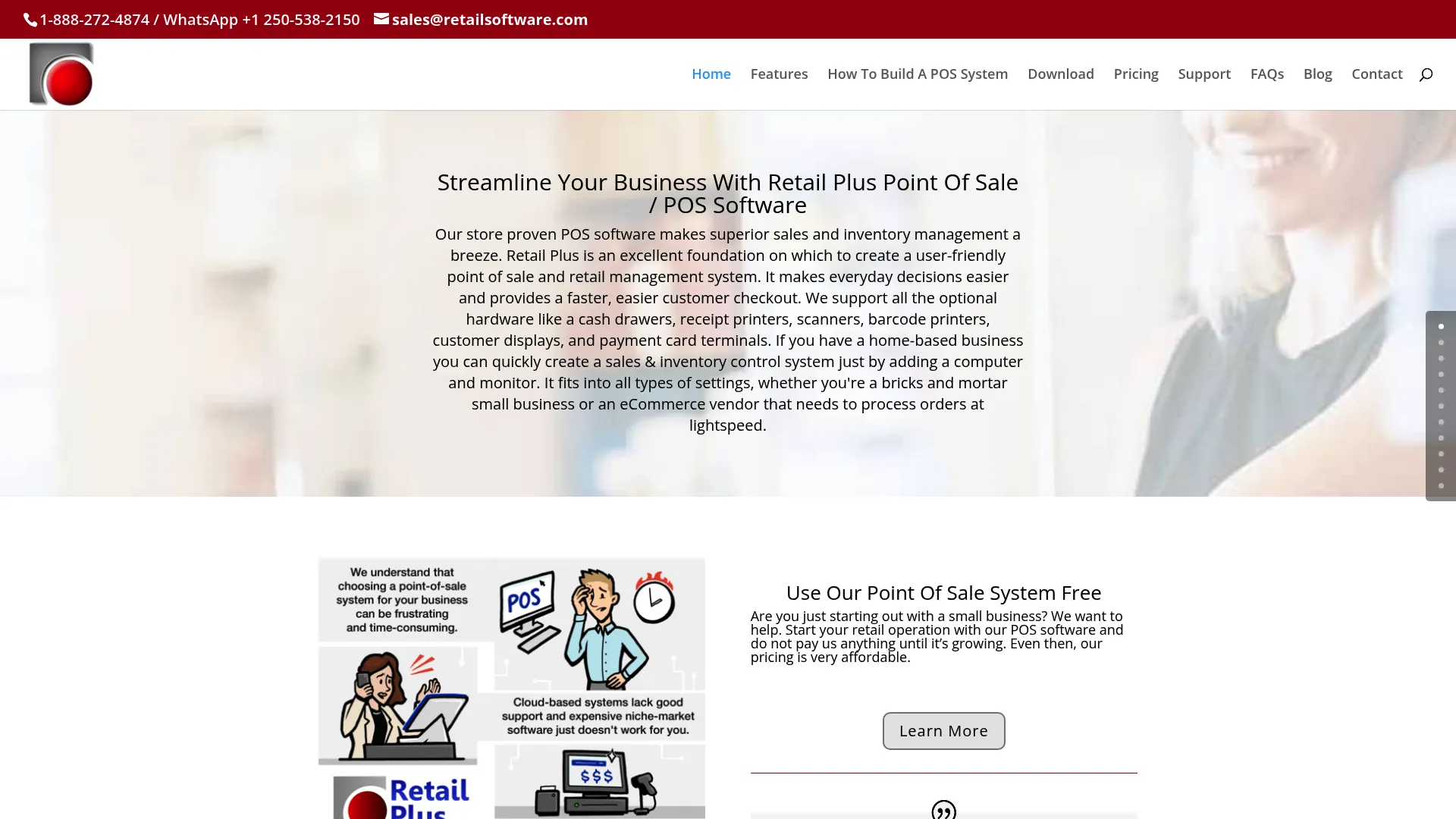
Retail Plus is essentially what we were trying to build with spreadsheets back in that boutique stockroom. It’s the grown-up version of that idea: still simple, still accessible, but it doesn’t crash when you add a new product line or try to run a report at the end of the month.
It’s built for business owners who don’t want to spend three weeks learning a new system. An easy-to-use installer gets the system running in minutes, and the POS handles the essentials without overcomplicating anything. If your primary challenge is just getting organized and keeping the checkout line moving, this does the job.
Top Features
-
Fast Checkout: The system prioritizes speed at the counter to keep lines moving.
-
Client Database: Maintains a CRM for purchase history and custom orders.
-
Webshop Integration: Connects storefront sales with online activity.
-
Staff Management: Includes a time-clock and payroll management tools.
The Pros
-
Extremely Easy Setup: The installer takes minutes to run.
-
Free Version: Startups can use a limited version (150 items/clients) for free.
-
No Complex Training: Staff can use it without extensive onboarding.
-
Unlimited Support: Personal tutorials and tech support are readily available.
The Cons
-
Limited Supply Chain Features: It lacks the depth found in platforms built for enterprise operations.
-
Dated Interface: The UI is functional but less polished than cloud-native competitors.
-
Purchase Order Quirks: Some users report issues with the system defaulting to the cheapest supplier rather than their preferred one.
Criteria Evaluation
-
Scalability: 2/5
-
Inventory Management: 4/5
-
Ease of Use: 5/5
-
Integration: 3/5
-
Reporting: 3/5
Community Reviews
Users consistently call Retail Plus the best POS for the price, and that reputation holds up across long-term users, some of whom have been on the platform for over a decade. The inventory and ordering systems get consistently high marks for reliability.
The purchase order system is a real friction point, though. One specific complaint that comes up repeatedly: the software defaults to the cheapest supplier rather than the preferred one, which creates extra manual work to correct. There are also reports that it struggles with large charge account customer bases. The honest summary is that it’s a stable workhorse for small businesses that don’t need enterprise-grade functionality. If you do need that depth, you’ll hit the ceiling pretty quickly.
Pricing
Retail Plus offers a free version for startups. The paid version unlocks unlimited data and is priced affordably. Request a quote or download the software directly to get current pricing details.
Where to Find: Retail Plus
2. Manhattan Active
Best Known For Enterprise Supply Chain Commerce
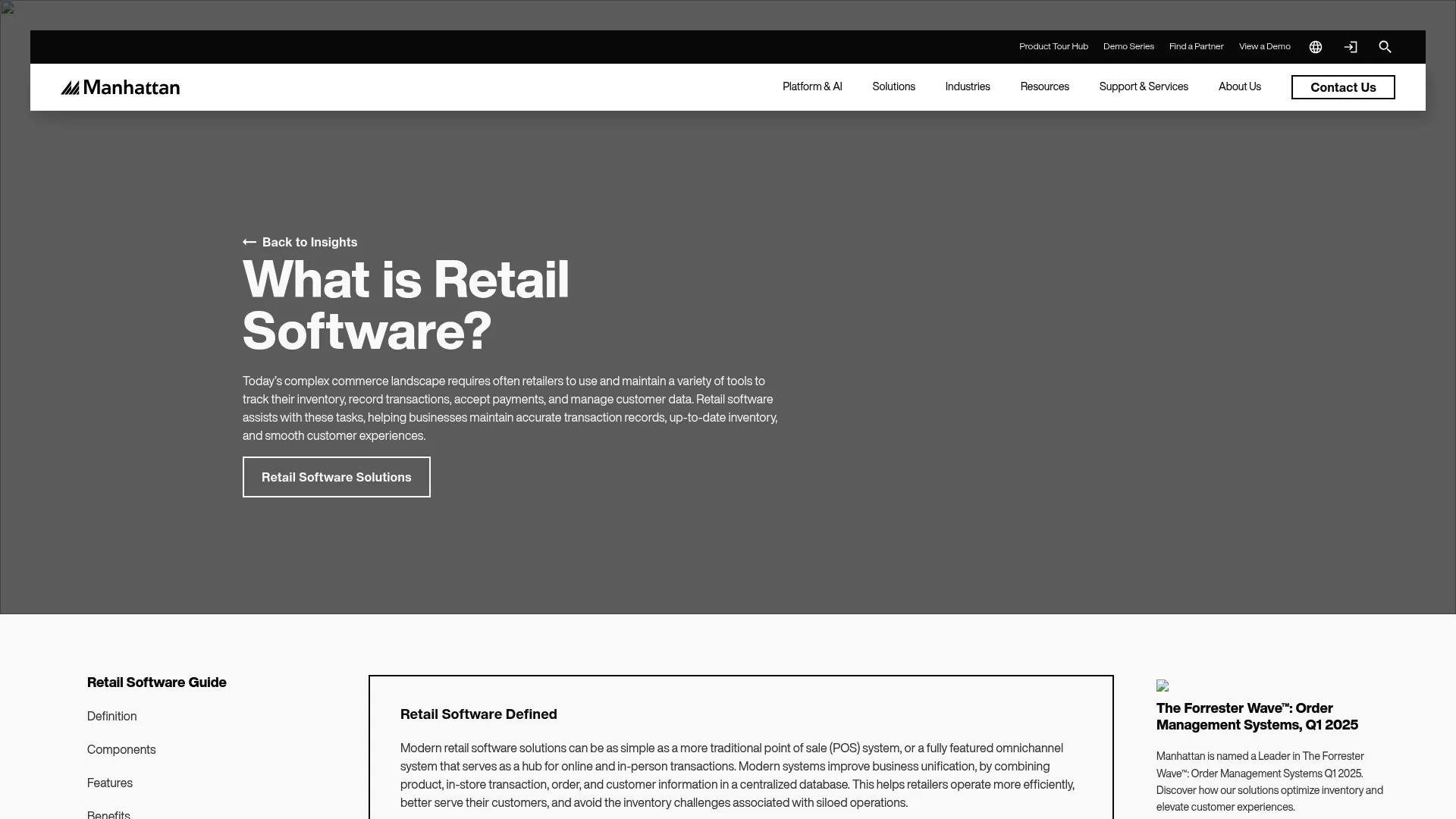
Manhattan Active is not a POS system with some extra features bolted on. It’s a fully integrated omnichannel platform built for organizations where a single data silo can cost millions. The standout capabilities are the “Endless Aisle” technology, which exposes global inventory across all locations simultaneously, and the integration of Generative AI through Manhattan Active Maven for customer service.
If you’re running a single-location boutique, this isn’t your platform. But if you’re managing serious operational scale across multiple locations, warehouses, or distribution channels, the question isn’t whether you need something like this. It’s whether you’re ready to implement it properly.
Top Features
-
Unified Planning: Combines warehouse, labor, and transportation execution in one view.
-
Endless Aisle: Exposes global inventory across all locations simultaneously.
-
AI-Driven Tools: Chatbots and marketing tools powered by AI.
-
Versionless Cloud: Always updated with no versioning issues to manage.
The Pros
-
No Data Silos: Unifies online and offline operations completely.
-
Supply Chain Visibility: Real-time insight into fleet, yard, and dock utilization.
-
Robust Forecasting: Demand forecasting helps prevent stockouts before they happen.
The Cons
-
Overkill for Small Shops: Too complex for single-location boutiques.
-
Involved Implementation: Setup requires more than a plug-and-play approach.
-
Steep Learning Curve: The learning curve is real and it’s long. If you’re not prepared to invest serious time in onboarding, this isn’t your platform.
Criteria Evaluation
-
Scalability: 5/5
-
Inventory Management: 5/5
-
Ease of Use: 2/5
-
Integration: 5/5
-
Reporting: 5/5
Community Reviews
Enterprise users consistently describe Manhattan Active as modern and flexible compared to legacy systems. The ability to see planning, warehousing, and transportation in a single real-time view is the most praised feature across reviews, and it’s easy to understand why once you’ve seen what it replaces.
Users basically say: yes, it takes a month to stop feeling lost. And then you wonder how you ran a warehouse without it. That’s a fair summary of the consensus. The complexity is the price of admission, and for organizations operating at the right scale, it’s worth paying. Just go in with realistic expectations about the onboarding timeline.
They don’t publish pricing, which is either because it’s genuinely customized to each organization’s needs or because it’s expensive enough that they’d rather explain it in a sales call. Probably both.
Pricing
Contact them directly for a quote based on your specific organizational needs.
Where to Find: Manhattan Active
3. Square for Retail
Best Known For Intuitive Design and Hardware
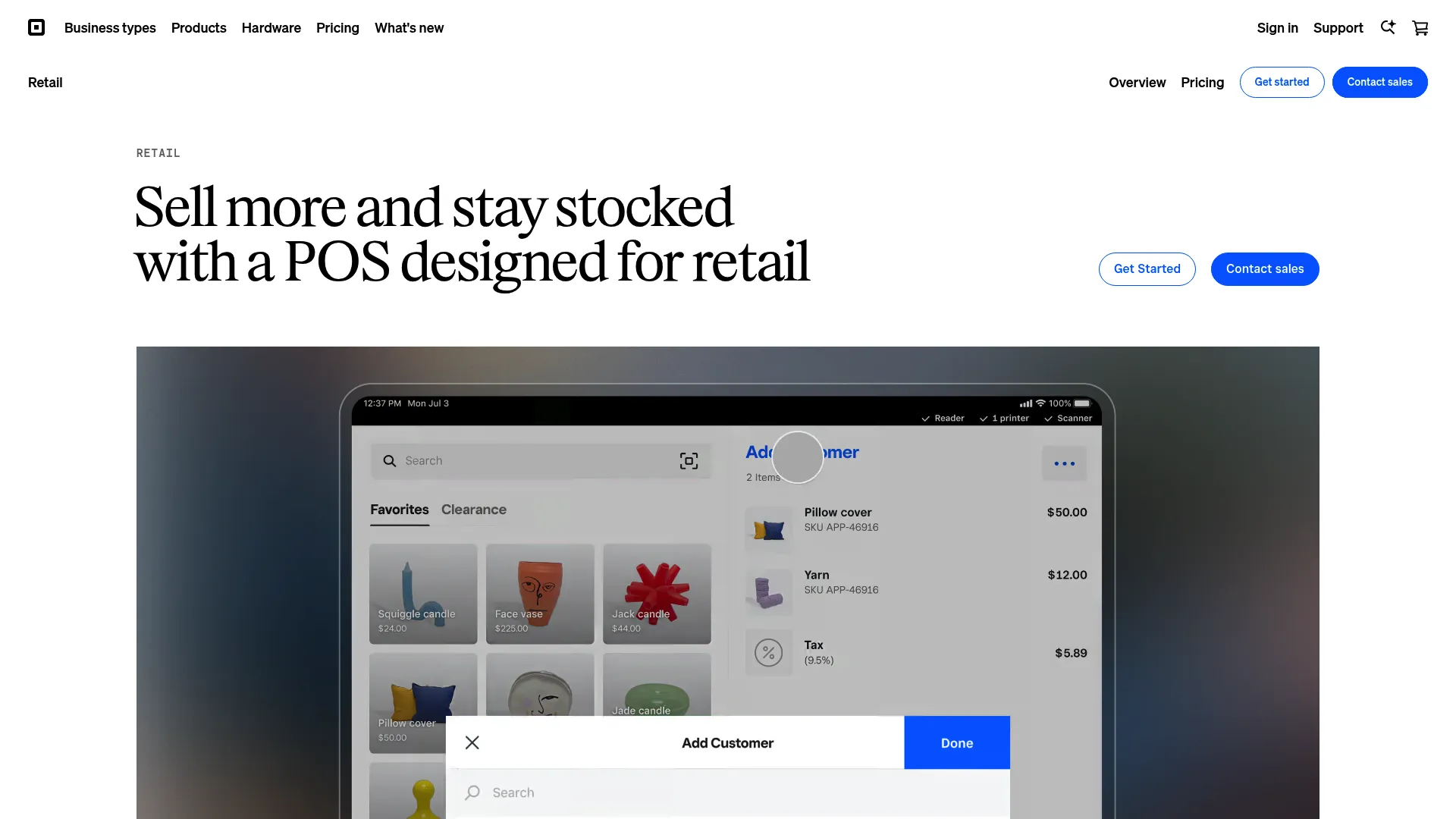
Square dominates the POS space for businesses that need to move fast. It connects checkout, back office, and online stores seamlessly, and the barrier to entry is about as low as it gets. If you need to be operational by tomorrow, Square makes that possible. No contracts, no lengthy setup process, no IT team required.
Top Features
-
Camera Integration: Use iPhone/iPad cameras for inventory counting.
-
AI Tools: Generates item descriptions and photos automatically.
-
COGS Tracking: Built-in Cost of Goods Sold tracking.
-
Vendor Management: Create purchase orders and manage vendors directly within the platform.
The Pros
-
No Contracts: No long-term agreements locking you in.
-
Free Plan: Get started without paying a monthly fee.
-
Seamless Syncing: In-store and online sales sync without manual reconciliation.
-
Loyalty Programs: Strong customer retention features built in.
The Cons
-
Paywalled Features: Advanced reporting and inventory tools require the Plus plan.
-
Transaction Fees: Fees accumulate for high-volume sellers.
-
Customer Support: Free plan users have limited access to live support.
Criteria Evaluation
-
Scalability: 4/5
-
Inventory Management: 4/5
-
Ease of Use: 5/5
-
Integration: 5/5
-
Reporting: 4/5
Community Reviews
The community consistently rates Square high for its clean, intuitive interface on both the front and back ends. New employees can be up and running in minutes, which matters when you’re managing staff turnover. That ease of use is genuinely one of Square’s strongest assets and it holds up across thousands of reviews.
Where users push back is on the free tier. Cost-of-goods reporting and advanced inventory tracking are frequently requested features that sit behind the Plus plan paywall. Some merchants have also flagged account stability concerns: as a third-party processor, funds can occasionally be withheld without much warning, which is worth knowing before you make it your primary payment processor. The app costs can also creep up faster than expected as you add functionality. That said, for small to mid-sized businesses prioritizing simplicity and speed, it’s still the top pick in this category.
Pricing
Square offers a Free plan to get started. The Plus plan unlocks advanced features for a monthly subscription. Custom pricing is available for businesses processing over $250k per year.
Where to Find: Square for Retail
4. Brightpearl
Best Known For Retail Operating System (ROS)
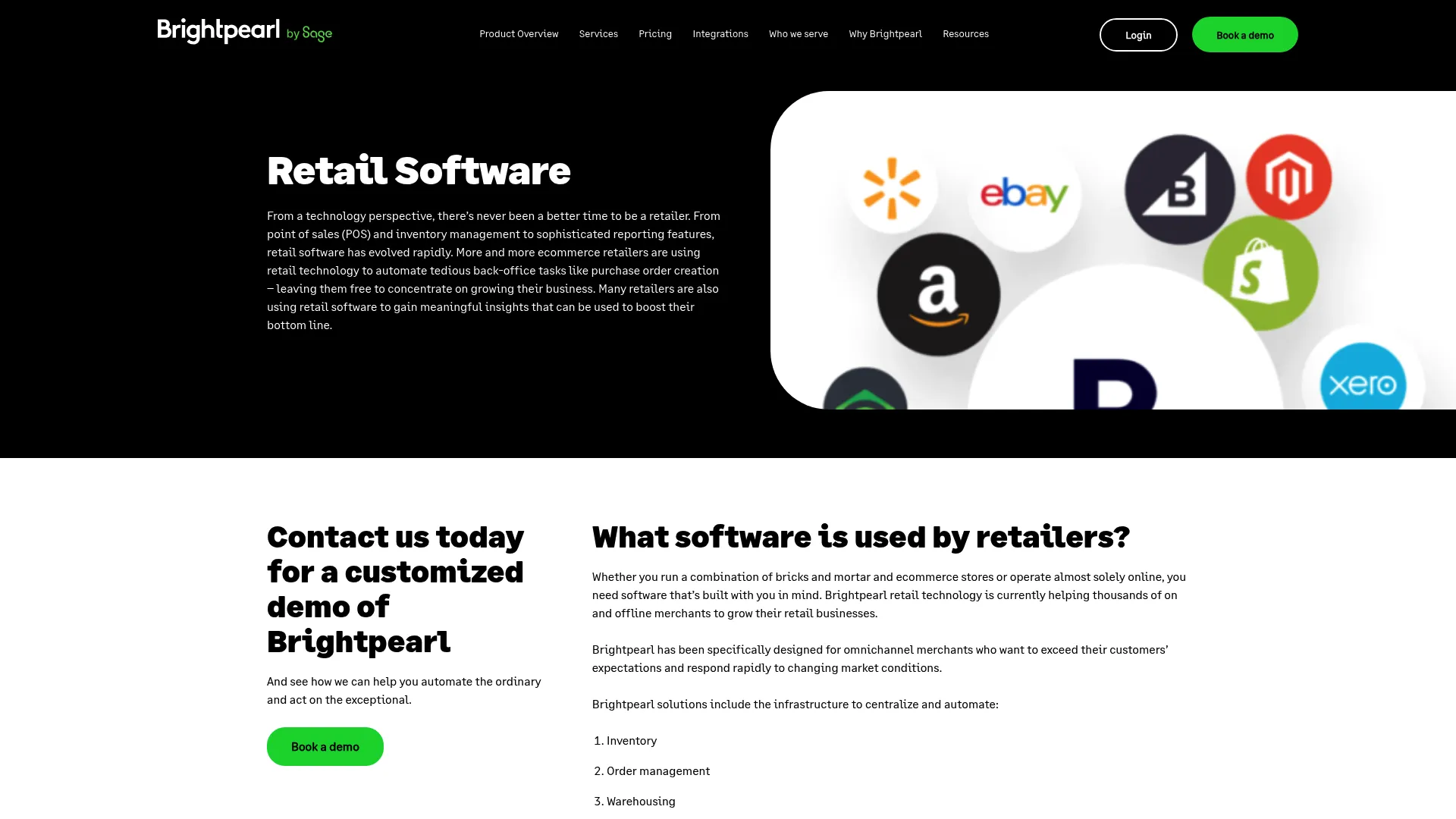
Think about the volume of manual work your team does every week on purchase orders, inventory allocation, and fulfillment routing. Now think about what they could do with that time instead. That’s the Brightpearl pitch, and it’s a compelling one. The platform automates most of that back-office work, which means fewer human errors, lower labor costs, and a team that’s actually focused on growing the business rather than managing logistics.
This is the platform I’d push most mid-market retailers toward if their primary headache is operational complexity. It’s not cheap and it’s not simple to set up, but the efficiency gains are real.
Top Features
-
Automation Engine: Handles order fulfillment and inventory allocation automatically.
-
Integrated POS: Syncs offline and online channels without manual intervention.
-
Demand Planning: Inventory forecasting tools built into the platform.
-
Built-in CRM: CRM and accounting integration included.
The Pros
-
Task Automation: Automates tedious tasks like purchase order creation.
-
Profitability Analysis: Real-time analysis by SKU or channel.
-
Complex Workflows: Handles Buy Online Pick-up In Store without custom workarounds.
The Cons
-
Not for Micro-Businesses: Geared toward mid-market retailers with real operational volume. If you’re running a single-location shop with simple inventory, this is more than you need.
-
Feature Density: The sheer number of features requires a strategic setup process. Don’t expect to be fully operational in a week.
Criteria Evaluation
-
Scalability: 5/5
-
Inventory Management: 5/5
-
Ease of Use: 3/5
-
Integration: 5/5
-
Reporting: 5/5
Community Reviews
Brightpearl customers frequently report saving significant cumulative time per year through the automation engine alone, with specific callouts around reductions in fulfillment errors and labor costs. The platform is consistently described as a solution for brands facing supply chain pressure or unpredictable consumer demand who need to tighten operations quickly.
It’s a heavy lift to implement, but once it’s running, users report that it genuinely frees their teams to focus on growth rather than putting out daily operational fires. The feedback from G2 and Capterra reviewers with six months or more on the platform is notably more positive than early-stage reviews, which suggests the learning curve is real but the payoff is worth it.
Pricing
Brightpearl uses custom pricing based on your order volume and business complexity. Contact them directly for a quote.
Where to Find: Brightpearl
5. Retail Pro
Best Known For Global Adaptability
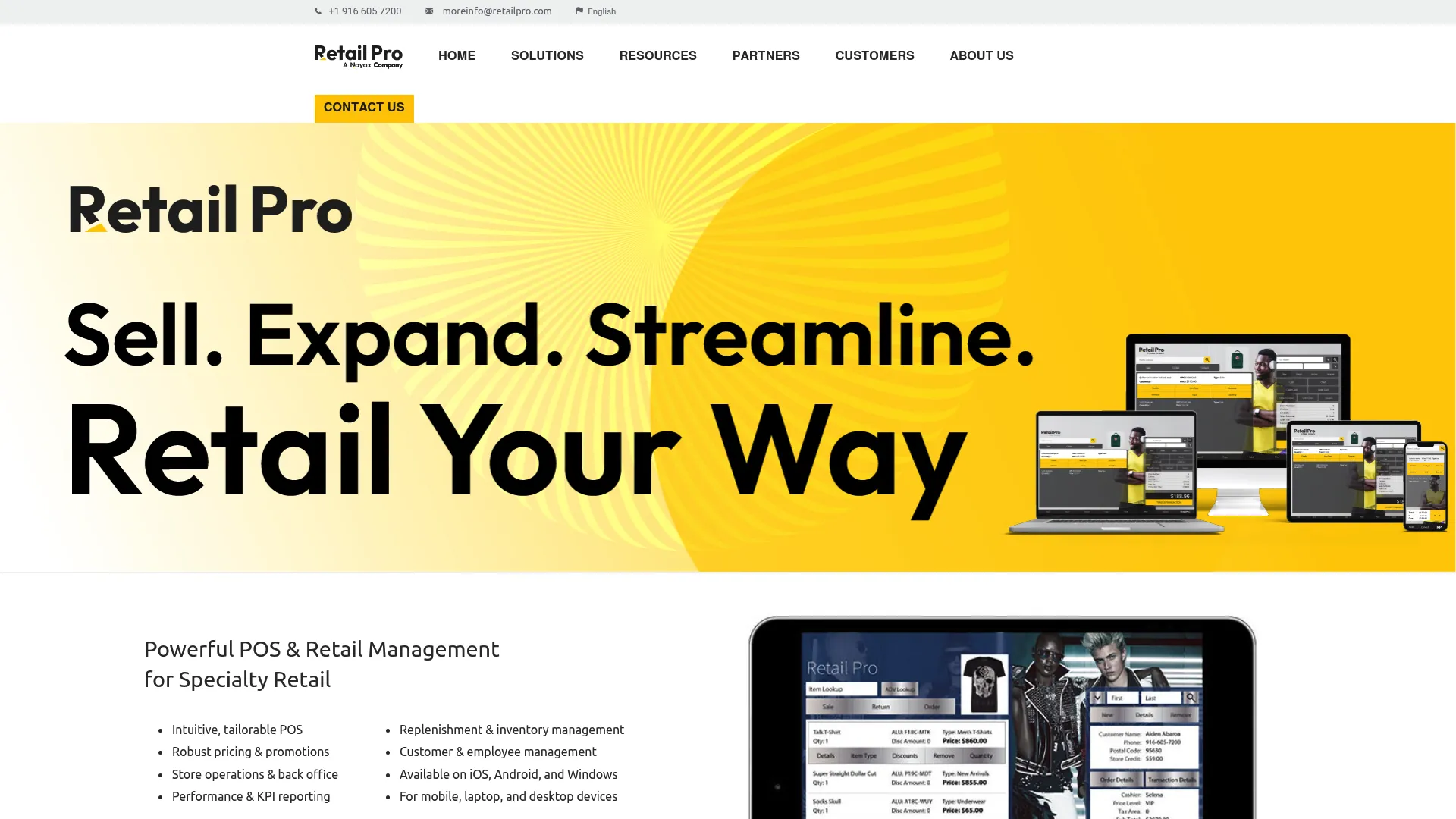
Retail Pro has been in the industry long enough to earn its reputation without needing to shout about it. Used in over 130 countries, it’s a highly customizable retail management system that excels at handling regional fiscal and tax requirements. For brands expanding internationally, this is one of the few platforms that actually takes cross-border compliance seriously rather than treating it as an afterthought.
It doesn’t have the viral buzz of newer apps, and the interface shows its legacy roots in places. But stability and the ability to handle complex fiscal environments across 130+ countries keep it firmly in the conversation for any brand with serious international ambitions.
Top Features
-
Translatable UI: The interface adapts to local dialects.
-
Robust API: Allows for deep customization across workflows.
-
RFID Integration: Supports zone-level inventory tracking.
-
Fiscal Compliance: Handles cross-border VAT and GST requirements.
The Pros
-
Flexible UI: Tailor it to specific workflows without heavy development work.
-
Promotional Tools: Handles complex discount rules across regions.
-
Cross-Platform: Works on iOS, Android, and Windows.
The Cons
-
Complex Customization: You’ll likely need certified partners for initial setup. Budget for that time and cost upfront rather than discovering it mid-implementation.
-
Legacy Roots: Some areas of the platform feel less modern than cloud-native alternatives. It’s functional, but don’t expect the slick UI you’d get from a newer entrant.
Criteria Evaluation
-
Scalability: 5/5
-
Inventory Management: 4/5
-
Ease of Use: 3/5
-
Integration: 4/5
-
Reporting: 4/5
Community Reviews
Retail Pro is recognized as a staple for international retail management. Users appreciate the depth of control it offers over inventory and customer data across borders, particularly the fiscal compliance capabilities, which save significant time and legal headache for brands operating across multiple tax jurisdictions. It’s not a flashy platform and it won’t win any awards for onboarding experience, but the retailers who rely on it tend to stick with it for a long time. That kind of retention usually says something real about a product.
Pricing
Pricing starts at $119 USD monthly for the initial user/location. Additional users are $99 USD each.
Where to Find: Retail Pro
6. Sage (Intacct & Inventory Planner)
Best Known For Financial Stability
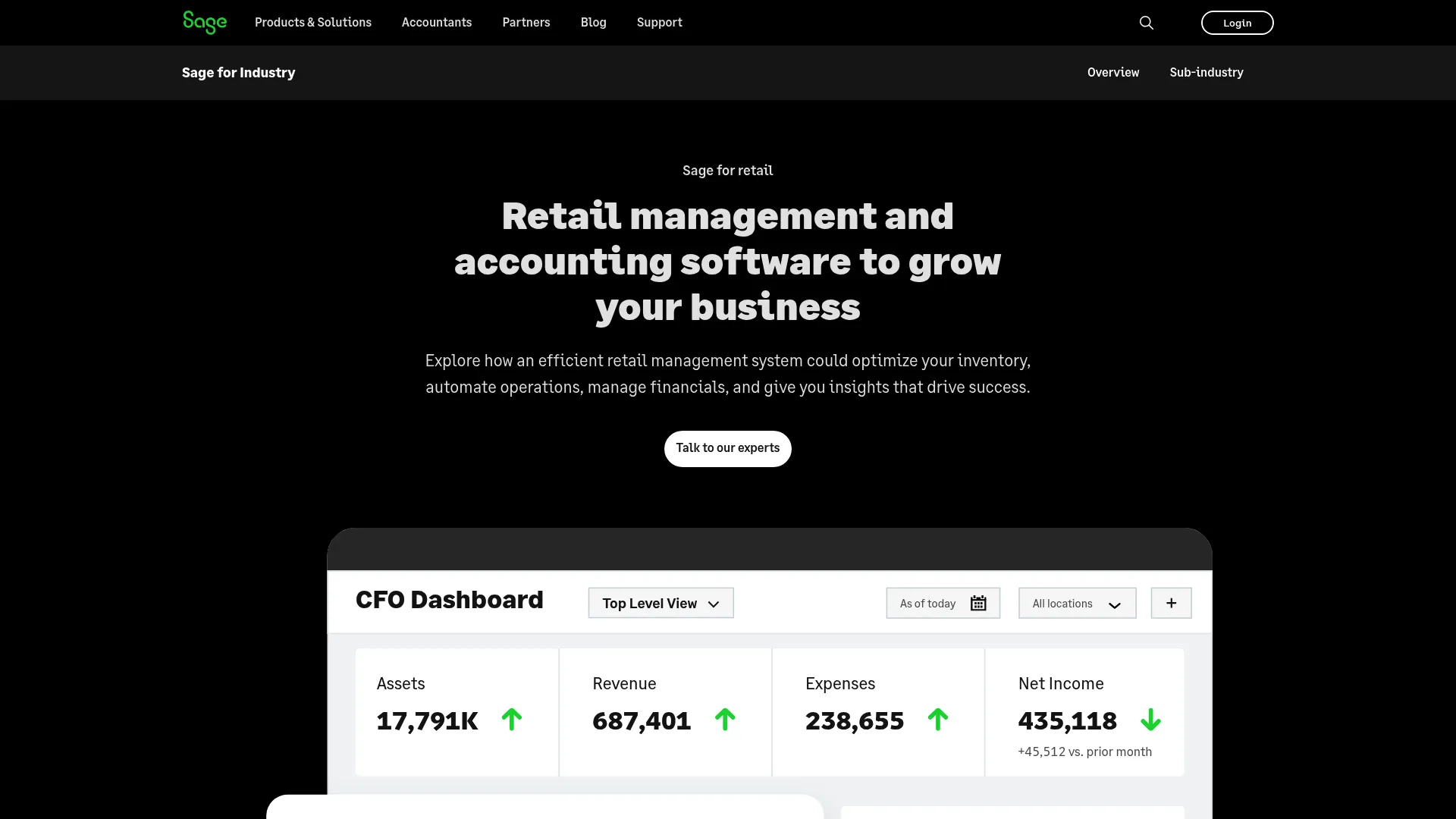
Sage brings together powerful accounting and predictive inventory tools in one suite. The core problem it solves is the cash trap: overstocking products that don’t move while running out of the ones that do. If your financials and your inventory planning are currently living in separate systems held together with exported spreadsheets and manual reconciliation, Sage is worth a serious look.
Honestly, the relationship between Intacct and Inventory Planner took longer to understand than I’d like to admit. The documentation assumes you already know how the two products are supposed to work together, which isn’t particularly helpful when you’re in the evaluation stage trying to figure out if you even need both. Give yourself more time than you think you need to understand the full picture before committing.
Top Features
-
Smart Forecasting: Factors in seasonality for more accurate inventory planning.
-
Automated Buying: Provides purchasing recommendations without manual analysis.
-
Multi-Channel Sync: Integrates with Shopify and BigCommerce.
-
Financial Reporting: Advanced consolidation and reporting across entities.
The Pros
-
Top-Rated Accounting: Consistently highly rated for customer satisfaction in accounting.
-
No More Spreadsheets: Eliminates manual data entry for purchasing decisions.
-
Multi-Entity Support: Built for complex business structures managing multiple locations or brands.
The Cons
-
Complex for Small Businesses: If you don’t need ERP-level financials, this is more than you require. Don’t pay for capability you won’t use.
-
Module Separation: Understanding how Intacct and Inventory Planner work together takes real time to figure out. The documentation doesn’t make it easy.
Criteria Evaluation
-
Scalability: 5/5
-
Inventory Management: 5/5
-
Ease of Use: 2/5
-
Integration: 4/5
-
Reporting: 5/5
Community Reviews
Feedback on Sage is genuinely mixed when it comes to the newer AI integrations. Some users report that auto-entry features can be slow or inaccurate, and I’d treat those AI capabilities as a roadmap item rather than a selling point right now. The marketing around them is ahead of where the actual functionality sits. The core financial and inventory planning capabilities, though, are highly regarded by established businesses that have outgrown simpler tools.
The integration ecosystem is vast, which is a real advantage for logistics and distribution-heavy retailers. Support experiences vary considerably: some users find email-only support frustrating when time-sensitive financial issues come up, which is a legitimate concern for a platform handling your accounting. Worth asking about support tiers before you sign anything.
Pricing
Sage operates on quote-based pricing depending on the modules and business size you require. Contact them directly to get a number that reflects your actual setup.
Where to Find: Sage
7. Lightspeed Retail
Best Known For Granular Inventory Control
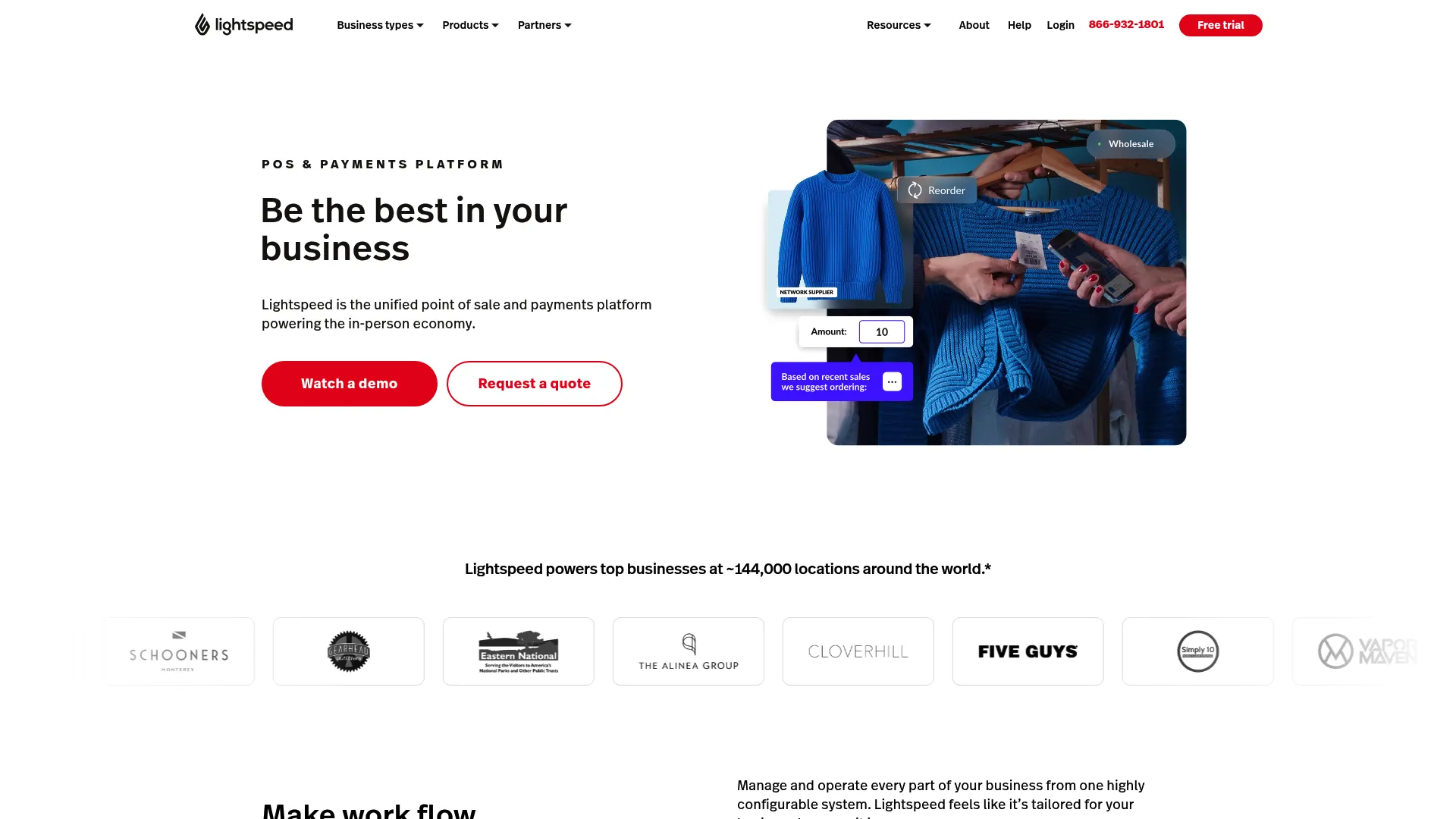
Specialty retailers with large, complex product catalogs tend to gravitate toward Lightspeed, and it’s not hard to see why. As a POS system built around granular inventory capabilities, it handles stock matrices for size and color variations while keeping the front-end experience clean enough for cashiers to navigate without frustration. That combination is harder to pull off than it sounds.
If you’re the kind of owner who checks inventory from your car in the parking lot before a buying trip, and most owners I know are, the remote access feature alone is worth a serious look.
Top Features
-
Advanced Tracking: Handles barcoding and SKU/UPC management at scale.
-
Loyalty Program: Integrated loyalty and discount management built in.
-
Return Management: Streamlines the return process without workarounds.
-
Margin Analysis: Tracks costs and analyzes margins by product.
The Pros
-
Complex Inventory: Excellent for businesses managing large product catalogs with multiple variants.
-
E-commerce Integration: Bridges physical stores and online sales without data gaps.
-
Intuitive Interface: Staff find the front end easy to navigate from day one.
The Cons
-
Tiered Reporting: Some advanced reporting features are locked behind higher subscription tiers, which gets frustrating when you’re trying to pull specific data and hit a paywall mid-workflow.
Criteria Evaluation
-
Scalability: 4/5
-
Inventory Management:
-
Inventory Management: 5/5
-
Ease of Use: 4/5
-
Integration: 4/5
-
Reporting: 3/5
Community Reviews
Users describe the inventory tracking capabilities in genuinely enthusiastic terms across review platforms, which isn’t something you see often enough to ignore. The ability to manage stock remotely is cited repeatedly as something that changed how owners actually run their day.
Reviews also highlight meaningful time savings on bookkeeping and labor. The integration with NuORDER is a standout feature for retailers ordering from major brands, and it’s one of those details that separates Lightspeed from more generic POS options. Cost comes up occasionally in reviews, but the consensus among users managing complex inventory is clear: for businesses where product catalog complexity is the primary challenge, Lightspeed earns its price tag. For simpler operations, it might be more than you need.
Pricing
Plans start around $69 per month.
Where to Find: Lightspeed Retail
8. Shopify
Best Known For Turnkey E-commerce and POS
You already know Shopify. The question is whether the POS side is actually worth it, or whether you’re just paying for the brand name on top of an e-commerce subscription you were already going to buy anyway.
The honest answer is that for most retailers who are already selling online and want a unified system, Shopify’s POS is genuinely solid. The same inventory, the same customer profiles, the same backend. That kind of operational unity is worth something real, especially when you’re trying to avoid the nightmare of reconciling two separate systems at the end of every day.
One thing worth knowing upfront: Shopify’s app store is genuinely impressive, and also genuinely dangerous for your budget. It’s very easy to add five apps that each cost $15/month and suddenly wonder why your software overhead is $400. Go in with a clear list of what you actually need before you start browsing.

Top Features
-
App Store: Thousands of plugins available for added functionality.
-
Drag-and-Drop Setup: Build your store interface without writing a line of code.
-
Unified Profiles: Customer data shared seamlessly across online and physical channels.
-
Mobile POS: Strong mobile capabilities for selling anywhere.
The Pros
-
Developer Ecosystem: A massive community of developers and certified experts.
-
User-Friendly: No technical background required to get up and running.
-
Scalability: Grows from early-stage startups all the way to enterprise brands through Shopify Plus.
The Cons
-
App Costs: Reliance on third-party apps can push monthly costs significantly higher than the base subscription suggests.
-
Transaction Fees: Fees apply if you choose not to use Shopify Payments, which adds up fast at volume.
Criteria Evaluation
-
Scalability: 5/5
-
Inventory Management: 4/5
-
Ease of Use: 5/5
-
Integration: 5/5
-
Reporting: 4/5
Community Reviews
Shopify is widely considered the default choice for modern retail, and the volume of positive reviews across G2, Capterra, and Reddit’s r/smallbusiness backs that up. The ecosystem and ease of use are consistently praised. Where users push back is on the Starter plan being too limited for real business needs, and the cumulative cost of apps adding up faster than anticipated.
Support is generally solid, though the shift away from phone support for lower-tier plans has frustrated users who run into time-sensitive issues and can’t get a human on the line quickly. For a unified online and offline operation, though, the platform’s depth is genuinely difficult to match at this price point.
Pricing
Basic plans start at $29/month. Retail hardware and advanced POS features are additional costs.
Where to Find: Shopify
Notable Mentions
None of these made the top eight, but a few of them would have if the criteria were weighted slightly differently. Depending on your specific situation, one of these might actually be a better fit than anything on the main list.
BigCommerce
A strong alternative to Shopify for brands that want more out-of-the-box features without leaning heavily on third-party apps. Particularly worth considering if you’re scaling a high-volume online store and finding Shopify’s app dependency frustrating. The built-in feature set is genuinely more generous, and you won’t hit as many paywalls as your needs grow.
Check out BigCommerce
QuickBooks Enterprise
Primarily known for accounting, but the Enterprise version includes a robust inventory management module. A strong option for retailers whose primary focus is financials and job costing, particularly if you’re already in the QuickBooks ecosystem and don’t want to manage a separate inventory system.
Check out QuickBooks Enterprise
Clover
Designed for small to medium boutique shops, Clover offers a proprietary hardware and software combination. Great for those who want a dedicated counter system, and it comes with a 90-day free trial, which gives you enough time to actually evaluate it rather than guessing from a demo.
Check out Clover
Unleashed
A specialized inventory management system that excels at supply chain visibility. Particularly useful for businesses managing purchasing and manufacturing alongside sales. If inventory complexity is your primary problem and you don’t need a full POS solution, Unleashed is worth a close look before you commit to a larger platform.
Check out Unleashed
Frequently Asked Questions
Cloud vs. On-Premise: Which is better for 2026?
Cloud wins for most retailers in 2026. Real-time syncing, remote access, and automatic updates make it the more practical choice for a fast-moving retail environment. On-premise setups may still make sense for security-heavy industries or businesses with specific compliance requirements, but for the majority of retailers, the flexibility of cloud infrastructure is worth more than the control of running your own servers.
What is the difference between POS and Retail Management Systems?
POS software handles the transaction at the counter. A Retail Management System manages the entire business backend, including inventory, CRM, and supply chain. Most modern retail platforms blend both, but an RMS carries significantly more operational depth than a standalone POS. If you’re comparing options and one feels much more complex than the other, that’s probably the RMS.
How much should I budget for implementation?
It varies more than most vendors will tell you upfront. A Shopify setup might cost you nothing but time. A Manhattan Active implementation could run into thousands of dollars in consulting and training fees. Always factor in hardware costs and staff training time alongside the software subscription itself. The subscription price is rarely the whole number.
If you’re working through how to calculate ROI or set the right KPIs for your new system, our guide on Retail Math Secrets breaks down exactly which metrics your platform needs to be tracking.
Can I switch software easily if I make a mistake?
Data migration is possible, but “possible” is doing a lot of work in that sentence. It’s messy, it takes longer than anyone tells you, and it will almost certainly happen at the worst possible time. Most retailers don’t figure out how painful it is until they’re already three months into a migration, watching their team manually re-enter customer records. Getting the decision right the first time matters more than most people realize.
Our Inventory Management Case Study shows the real operational impact of getting stock tracking right from the start.
Do I really need AI in my retail software?
Honestly, it depends on which AI features we’re actually talking about. Demand forecasting AI? Yes, that’s genuinely useful and the data backs it up. Platforms that do this well are giving retailers a real efficiency advantage. AI-generated product descriptions? Probably not worth paying a premium for. You can do that yourself in ten seconds with any free tool. Before letting “AI-powered” features influence your buying decision, ask specifically what the AI does and look for user feedback on whether it actually works in practice.
Final Thoughts
If I had to make a call for a retailer who’s serious about growth but not yet at enterprise scale, I’d push them toward Brightpearl or Lightspeed depending on whether their primary headache is operations or inventory complexity. Shopify is the safe answer, and safe isn’t always wrong, but it’s worth being honest about whether you’re choosing it because it’s genuinely the best fit or because it’s the most familiar name in the room.
A few things worth keeping front of mind before you commit:
-
Scalability matters more than current fit: Buy for where you want to be in three years, not where you are today. The cost of migrating platforms later is almost always higher than the cost of slightly over-speccing now.
-
If the inventory tracking isn’t right, nothing else matters: Every platform on this list does something well. But if it can’t tell you what you actually have in stock, in real time, the rest of the feature set is decorative.
-
Your staff has to actually use it: A system with a 90-day onboarding curve and a team that never fully commits to it is a system that isn’t working. Ease of use isn’t a nice-to-have.
-
Watch the total cost, not the headline price: Subscriptions, apps, hardware, implementation, training. Add it all up before you decide something is affordable.
Getting the right retail software in place is the foundation of operational efficiency, but software alone doesn’t generate revenue. Once you’ve streamlined inventory with Brightpearl or built your storefront on Shopify, the next challenge is driving qualified traffic to those platforms. Our Shopify SEO Case Study is a practical example of how to turn a well-configured platform into a consistent revenue engine.
Full disclosure: this guide was written by The Marketing Agency, so take our perspective with that in mind. That said, the platform evaluations above are based on real user feedback and our own experience working with retailers on these systems. We specialize in turning leading retail platforms into growth engines, using Agentic AI and Generative Engine Optimization to help brands build long-term search visibility, whether that’s PPC management driving sales to your Square store or an SEO strategy building authority over time. The goal is to make sure your marketing and your software are pulling in the same direction, because one without the other leaves real revenue on the table.
Ready to scale your retail operations? Explore how we can integrate with your retail stack.
“`
