



Sure! Here’s the rewritten blog based on your instructions without any remarks:
There is a stat floating around that 70% of CRM implementations fail. That number usually stops business owners cold, but honestly? It doesn’t surprise us. We see it all the time. Just last year, we had a client who dropped six figures on a top-tier enterprise platform. Six months later, their sales team was still running the entire business out of a shared spreadsheet because the new “solution” was a nightmare to navigate. They bought a fancy storage locker when what they needed was a tool for action.
The landscape for 2026 is different. We’re finally moving away from static databases and toward “Agentic” workflows, basically AI that actually takes initiative. You need a system that works for you, not one that demands you spend your Friday afternoon entering data. As an agency helping businesses navigate this mess, we know that picking the right platform is the difference between hitting quota and burnout.
In this guide, we’re going to break down the software that is actually redefining how businesses handle relationships.
Modern CRMs have evolved way beyond digital address books; they are intelligent engines. Here are the ones actually worth your time.
Table of Contents
-
TL;DR: The Quick List
-
How We Ranked These
-
1. Salesforce
-
2. HubSpot
-
3. Zoho CRM
-
4. Pipedrive
-
5. Creatio
-
6. Monday.com (Monday CRM)
-
7. Microsoft Dynamics 365
-
8. Freshworks (Freshsales)
-
9. Zendesk Sell
-
10. Insightly
-
Notable Mentions
-
Frequently Asked Questions
-
Final Thoughts
TL;DR: The Cheat Sheet
If you don’t have time for the deep dive, here is the rapid-fire summary. We categorized these by their “superpower” so you can find your match instantly.
-
Salesforce: Best for large enterprises that need limitless customization.
-
HubSpot: Best for marketing-focused teams who want ease of use.
-
Zoho CRM: Best bang for your buck with a deep feature set.
-
Pipedrive: Best for pure sales teams who live in their pipeline.
-
Creatio: Best for companies wanting no-code and AI workflows.
-
Monday.com: Best for teams who want a highly visual, custom interface.
-
Microsoft Dynamics 365: Best if you are already married to the Microsoft ecosystem.
-
Freshworks: Best for all-in-one simplicity with built-in phone lines.
-
Zendesk Sell: Best for aligning sales and customer support.
-
Insightly: Best for agencies bridging sales and project management.
Comparison Table
|
CRM Software |
Best For |
AI & Automation |
Scalability |
Cost Rating |
|---|---|---|---|---|
|
Salesforce |
Large Enterprises |
5/5 |
5/5 |
$ |
|
HubSpot |
Inbound Marketing |
4.5/5 |
4/5 |
$ |
|
Zoho CRM |
Value for Money |
4/5 |
5/5 |
$ |
|
Pipedrive |
Visual Sales |
3.5/5 |
3.5/5 |
$ |
|
Creatio |
Agentic Workflows |
5/5 |
5/5 |
$ |
|
Monday CRM |
Customization |
3.5/5 |
3.5/5 |
$ |
|
Dynamics 365 |
Microsoft Ecosystem |
5/5 |
5/5 |
$ |
|
Freshworks |
All-in-One Simplicity |
4.5/5 |
4/5 |
$ |
|
Zendesk Sell |
Support Integration |
4/5 |
4/5 |
$ |
|
Insightly |
Project Management |
3/5 |
3.5/5 |
$ |
How We Ranked These
Buying software in 2026 requires a different mindset than just a few years ago. We ignored the marketing fluff and looked at metrics that actually impact ROI. Specifically, we looked at AI capabilities—does the system do work for you, or is it just a glorified filing cabinet? Ease of adoption was another massive factor because the best tool in the world is useless if your team refuses to log in.
We also checked integration ecosystems (does it play nice with your other tech?) and Total Cost of Ownership.
1. Salesforce
The 800-Pound Gorilla
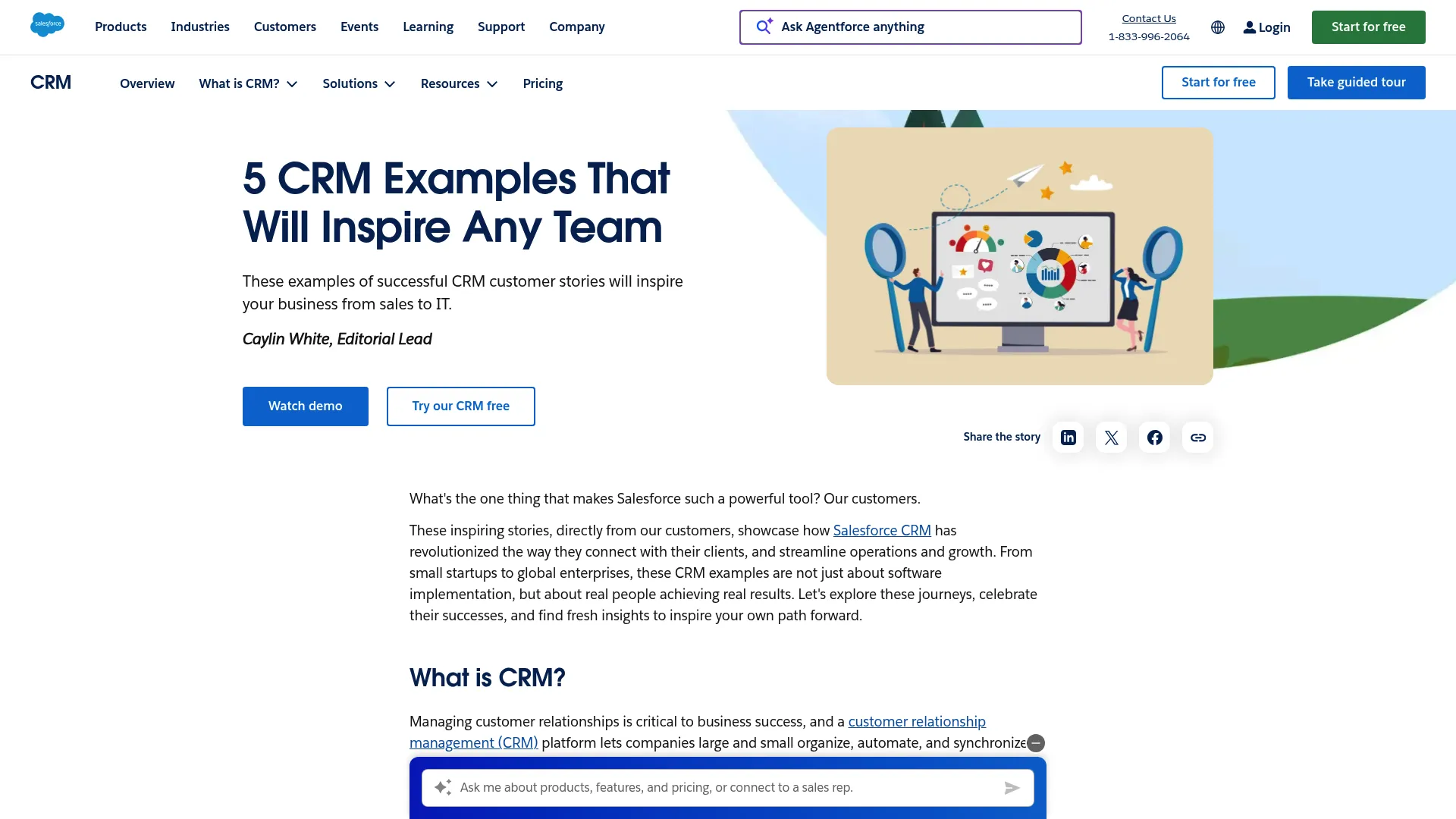
Salesforce is the standard for a reason. It offers a level of customization that is genuinely hard to beat. It’s the go-to for organizations that need to manage complex workflows and granular territory management. The “Customer 360” view is fantastic for centralizing data. But be warned: this power comes with a price tag, and you will almost certainly need a dedicated admin to run it.
Features
-
Einstein Analytics: Some of the best forecasting and AI insights on the market.
-
Flow: Robust workflow automation for complex logic.
-
Territory Management: Granular control over sales regions.
-
AppExchange: A massive library of third-party integrations.
Pros
-
You can customize it to fit literally any business logic.
-
The app marketplace is huge.
-
Enterprise-grade security.
Cons
-
Pricing is complex and gets expensive fast.
-
Steep learning curve; you might need to hire a specialist.
-
Implementation takes time and money.
What Users Say
People consistently rank Salesforce as the top choice for scalability. Reviews highlight that while it unifies data effectively, the learning curve is like climbing a mountain. Many users love the platform but warn that you need to be ready for a full digital transformation to get your money’s worth.
(Source: Salesforce Community Reviews)
Price
Starts at $25/user/month (Starter), but Enterprise tiers run $150/user/month and up.
2. HubSpot
The User Experience King
HubSpot changed the game by making CRM software actually approachable. We love it for its inbound marketing roots. It connects your marketing efforts directly to your sales pipeline so you can see exactly where a lead came from. The interface is incredibly clean—you won’t need a week of training just to figure out how to log a phone call.
Continue here?
Features
-
Visual Deal Pipelines: Drag-and-drop management that makes sense.
-
Meeting Scheduler: Stops the “when are you free?” email tag.
-
Email Tracking: Get notified the second a lead opens your email.
-
AI Content Tools: Helps draft emails and content on the fly.
Pros
-
The “Free forever” plan is genuinely useful for small teams.
-
Intuitive UI leads to high adoption rates.
-
All-in-one platform covers sales, marketing, and service.
Cons
-
The cool advanced features are gated behind steep paywalls.
-
Reporting can feel a bit light compared to Salesforce.
-
Costs escalate quickly as your contact list grows.
What Users Say
Reviewers frequently badge HubSpot as the top CRM for small businesses. The community loves the interface and the generous free plan. However, the common gripe is the price jump—moving from Starter to Professional is a massive leap that catches a lot of scaling SMBs off guard.
(Source: EmailTooltester Reviews)
Price
Free tier available; Starter at $15/user/month; Professional jumps to approx. $90/user/month.
3. Zoho CRM
The Value Play
Zoho proves you don’t need to mortgage the house to get enterprise features. We’re impressed by their “Canvas” design studio, which lets you redesign the look of the CRM to match your specific taste. It’s perfect for businesses that want deep functionality and are willing to tweak the settings to get it right.
Features
-
Zia AI: Predictions, anomaly detection, and sentiment analysis.
-
Blueprint: Enforces process compliance so your sales team doesn’t go rogue.
-
Canvas: A no-code design studio to customize the UI.
-
Multichannel: Manages email, phone, and social in one place.
Pros
-
Incredible value for money.
-
Highly customizable interface.
-
Part of the massive Zoho One ecosystem.
Cons
-
Support responsiveness can be hit or miss.
-
The sheer number of features can make the interface feel cluttered.
-
Steep learning curve if you want to customize everything.
What Users Say
Customers often highlight the platform’s ability to scale from a startup to a large enterprise without forcing a platform switch. Testimonials frequently mention the benefit of the unified ecosystem—managing everything from sales to inventory in one login is a huge plus.
(Source: Zoho Customer Testimonials)
Price
Free tier available; Standard starts at ~$14/user/month.
4. Pipedrive
For The Pure Salesperson
Pipedrive strips away the noise. It was built by salespeople, and you can tell. The focus here is on activity-based selling. It ensures that no deal falls through the cracks because the system constantly prompts you on the next step. If your primary goal is closing deals without getting distracted by marketing fluff, this is a strong contender.
Features
-
Visual Pipeline: A drag-and-drop interface that actually helps you visualize the deal.
-
Activity Reminders: Automates follow-up prompts.
-
Sales Assistant: AI-powered tips on what to prioritize.
-
Workflow Automation: “Recipes” to automate the boring stuff.
Pros
-
Extremely intuitive and visual.
-
Quick setup allows teams to start selling immediately.
-
Strong mobile app for field sales.
Cons
-
Limited marketing automation capabilities.
-
Reporting is less sophisticated than enterprise rivals.
-
Add-ons can increase the monthly price.
What Users Say
Reviews consistently rate Pipedrive high for ease of use. Users often cite the clean design as a major plus for beginners. The “Sales Assistant” feature is popular for helping reps prioritize. However, some users criticize the extra costs for features like the LeadBooster add-on.
(Source: EmailTooltester Pipedrive Review)
Price
Essential plan starts at ~$14.90/user/month.
5. Creatio
The “Agentic” Innovator
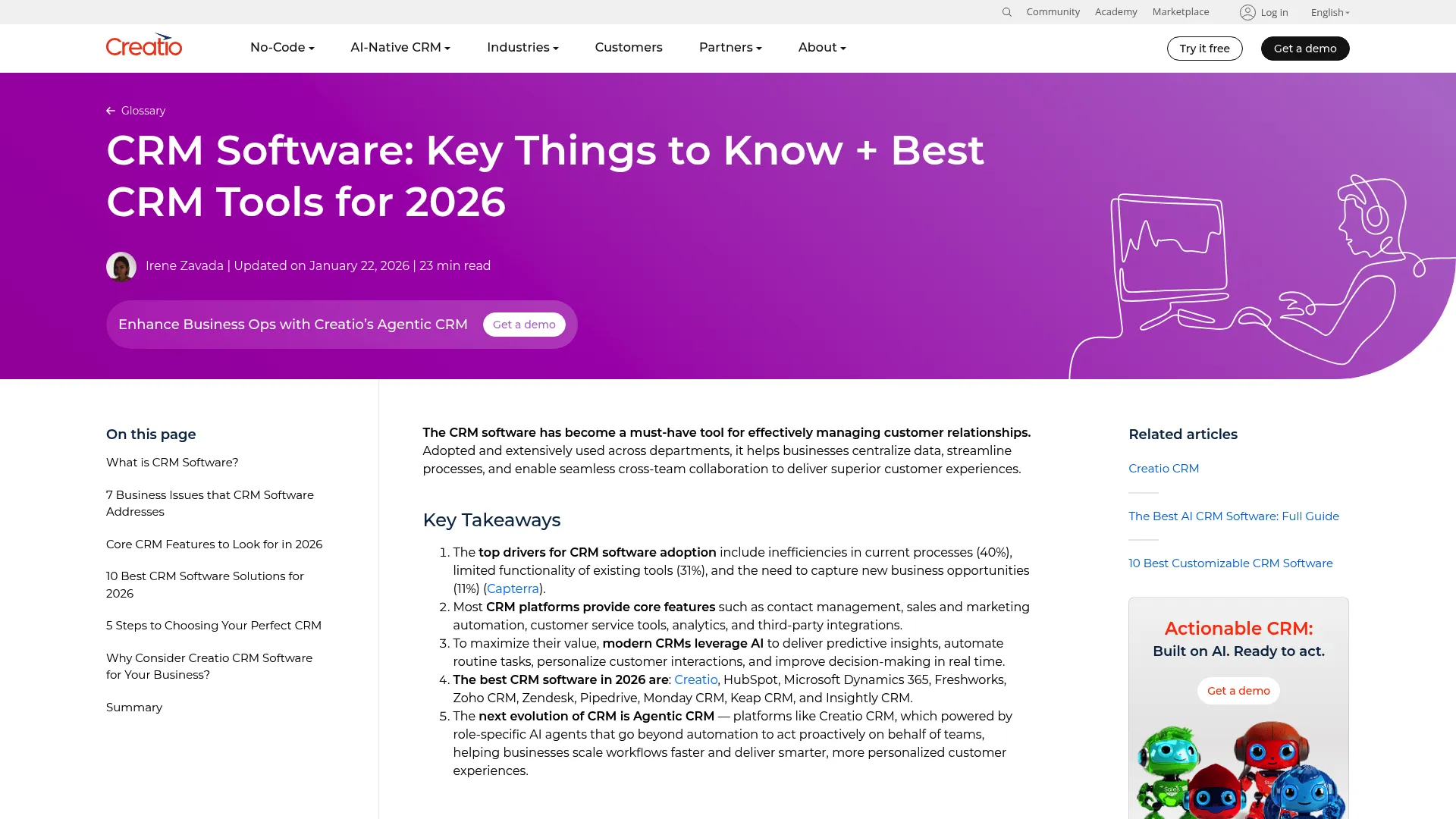
Creatio is pushing the envelope with what they call “Agentic” workflows. It combines AI with a no-code designer that empowers business users. We appreciate that you don’t need to be a developer to modify a workflow here. It unifies sales, marketing, and service into one platform that feels cohesive rather than stitched together.
Features
-
No-Code Designer: Drag-and-drop tool for building apps and processes.
-
Agentic AI: AI agents that handle tasks across departments.
-
Unified Platform: One interface for CRM and industry workflows.
-
360-Degree View: Complete customer data aggregation.
Pros
-
Rapid time-to-value due to no-code capabilities.
-
Highly flexible for changing business needs.
-
One platform covers all operational departments.
Cons
-
Initial learning curve for the customization tools.
-
Marketplace is smaller than Salesforce’s.
What Users Say
User data indicates a high emotional connection with the product. Users specifically praise the no-code tools that reduce reliance on IT. Reviews mention that while it is a forward-thinking CRM, the learning curve for setting up complex workflows can be steep. Users recommend investing in early training.
(Source: SoftwareReviews Creatio)
Price
Growth plan starts around $25/user/month.
6. Monday.com (Monday CRM)
The Customizable Canvas
Monday CRM takes the familiar project management interface and applies it to sales. We find the board-based views incredibly flexible. You can customize your pipeline to look exactly how you want it. It is ideal for businesses that want to bridge the gap between closing a deal and actually delivering the work.
Features
-
Customizable Boards: Flexible columns and views for data management.
-
Automation Recipes: “If this, then that” logic for workflows.
-
Lead Capture Forms: Built-in forms to gather intake data.
-
Timeline Views: Gantt-style visualization of deal progress.
Pros
-
Adapting the system to any sales process is effortless.
-
Excellent collaboration features for team communication.
-
Highly visual tracking makes data easy to digest.
Cons
-
Lacks deep territory management found in purpose-built CRMs.
-
Pricing per “seat group” (3-seat minimum) can be awkward.
-
Reporting is less robust for complex sales cycles.
What Users Say
Reviews suggest Monday CRM is perfect for those who want a DIY solution and are already in the Monday ecosystem. However, the 3-seat minimum requirement is a frequent point of contention for small teams. Users love the visual aspect but warn that it is essentially a project management tool adapted for sales functions.
(Source: OnePageCRM Monday Review)
Price
Basic CRM starts at ~$12/user/month (3 seat minimum).
7. Microsoft Dynamics 365
The Ecosystem Play
Dynamics 365 is the powerhouse for anyone already living in the Microsoft world. We see it as the natural extension of Outlook and Teams. The integration with LinkedIn Sales Navigator is a massive advantage for B2B sales. It connects your sales data with your ERP financials, giving you a view of the business that few other platforms can match.
Features
-
LinkedIn Integration: Native connection to Sales Navigator.
-
Copilot: AI assistant for drafting emails and summarizing meetings.
-
Power Platform: Low-code customization via Power Apps.
-
Unified Data: Connects CRM data with ERP finance data.
Pros
-
Seamless integration with Office 365 and Teams.
-
Strong security and governance for enterprise needs.
-
Deep capabilities for both sales and operations.
Cons
-
Implementation is complex and usually requires a partner.
-
The interface can feel less modern than competitors.
-
Licensing can be confusing and expensive.
What Users Say
Experts note that while the software licensing is competitive, implementation costs can be significantly higher than the software cost itself. The community values the native integration with Teams and Outlook but warns that this is not a “plug-and-play” solution. It requires a serious implementation strategy.
(Source: ERP Advisors Group)
Price
Sales Professional starts at ~$65/user/month.
Check out Microsoft Dynamics 365
8. Freshworks (Freshsales)
Simplicity with a Phone Line
Freshsales aims to be the “all-in-one” solution that doesn’t require a degree to operate. We love the built-in telephony features. You can make calls directly from the CRM without needing a separate VoIP provider. The interface is modern, and the Freddy AI assistant provides predictive scoring that is surprisingly accessible for the price point.
Features
-
Freddy AI: Predictive deal scoring and forecasting.
-
Built-in Telephony: Buy numbers and make calls from the CRM.
-
Activity Timelines: Visual history of customer interactions.
-
Sales Sequences: Automated email and SMS campaigns.
Pros
-
Built-in phone system eliminates extra costs.
-
Modern, clean interface is easy to adopt.
-
Strong AI features available at lower tiers.
Cons
-
Advanced reporting is gated behind higher tiers.
-
Customization limits exist for very complex processes.
-
Support response times can vary.
What Users Say
Reviews praise Freshsales for its “Freddy AI” and the convenience of the built-in dialer. Users find the interface user-friendly and the setup process quick. However, some feedback indicates that the pricing plans could be more balanced, as key features like sales forecasting are often reserved for the most expensive tiers.
(Source: Business.com Freshworks Review)
Price
Free tier available; Growth starts at $15/user/month.
9. Zendesk Sell
Bridging Sales and Support
Zendesk Sell is the answer if your sales and support teams are constantly stepping on each other’s toes. We find the integration with Zendesk Support to be best-in-class. A sales rep can see if a client has an open support ticket before they call to upsell. It keeps everyone on the same page and prevents those awkward customer interactions.
Features
-
Unified Customer View: Combines sales and support data.
-
Smart Lists: Dynamic filtering of leads and contacts.
-
Email Intelligence: Tracking and sentiment analysis.
-
Power Dialer: Automated calling features.
Pros
-
Seamless experience for existing Zendesk Support users.
-
Excellent mobile app for reps on the go.
-
Clean interface reduces training time.
Cons
-
Less valuable if you don’t use Zendesk for support.
-
Customization is somewhat limited compared to Salesforce.
-
Costs can stack up as you add features.
What Users Say
Users highlight the simplicity of the interface and the mobile app as major wins. The ability to capture feedback internally is also praised. However, some reviews mention that the knowledge base features could be more robust and that the pricing for different user types could be more flexible.
(Source: SoftwareReviews Zendesk Sell)
Price
Team plan starts at $19/agent/month.
10. Insightly
The Project Manager’s CRM
Insightly bridges the gap between the promise and the delivery. We appreciate how it allows you to convert a “won” opportunity directly into a project. It ensures that your delivery team has all the context they need without asking the sales rep a dozen questions. The relationship linking feature is also great for mapping out complex organizational structures.
Features
-
Relationship Linking: Maps connections between contacts and organizations.
-
Project Management: Gantt charts and task tracking built-in.
-
Lead Routing: Automates lead assignment to the right rep.
-
Workflow Automation: Triggers actions based on project or sales stages.
Pros
-
Great for service businesses and agencies.
-
Relationship mapping provides deep context.
-
Affordable all-in-one solution for sales and projects.
Cons
-
Interface can feel a bit dated compared to modern rivals.
-
Marketing features are less powerful than HubSpot.
-
Support response times can be slow.
What Users Say
Reviews indicate that Insightly is a strong match for marketing and consulting firms due to its project management capabilities. Users appreciate the “relationship linking” feature. However, some feedback suggests that it may not scale well for massive enterprises and that support response times can lag.
(Source: CroClub Insightly Review)
Price
Plus plan starts at $29/user/month.
Notable Mentions
While the top 10 covers the major players, several other platforms deserve attention for specific niches. These tools might not have the massive market share of Salesforce, but they excel in their specific lanes.
La Growth Machine
If your focus is purely on multi-channel prospecting, this is a powerhouse. It automates outreach across LinkedIn, Email, and Twitter simultaneously.
Check out La Growth Machine
Keap
This is a strong contender for entrepreneurs who need e-commerce features like invoicing and payments built directly into their automation.
Check out Keap
Copper
We call this the “CRM that lives in your inbox.” If you run your life on Google Workspace, Copper integrates so well you barely notice it’s there.
Check out Copper
Bonsai
Tailored specifically for freelancers and agencies, this handles everything from contracts to client CRM in one unified interface.
Check out Bonsai
Frequently Asked Questions
We know that reading through a list of features doesn’t answer every question. Here are the most common inquiries we receive from clients who are trying to make a final decision.
Which CRM is best for a small business just starting out?
HubSpot and Zoho CRM are usually the best starting points. HubSpot offers a generous free tier that lets you scale, while Zoho provides incredible feature depth at a very low price point. If you are struggling to understand the specific benefits of HubSpot’s tiers, our guide on HubSpot FAQs Answered breaks down exactly what you get for your money.
What exactly is an “Agentic CRM”?
An Agentic CRM goes beyond basic automation. Instead of just following a rule (like sending an email when a form is filled), AI agents in the CRM can proactively make decisions, such as scoring a lead based on sentiment or routing a complex ticket without human help. It’s the difference between a calculator and a co-pilot.
What are the hidden costs I should look out for?
Always look at implementation fees, mandatory training costs, and data storage limits. Many CRMs also charge extra for essential features like API access or two-way email syncing, so read the fine print on the pricing tiers.
How hard is it to migrate data to a new CRM?
It depends on how messy your current data is. Most modern CRMs have one-click importers for CSV files or direct integrations with other major platforms. However, mapping custom fields and historical data usually requires some manual work or a partner’s help. You can see how this plays out in the real world in our CRM Case Study.
Do I need a CRM if I already have an ERP?
Yes, usually. An ERP manages your back-office financials and inventory, while a CRM manages front-office customer interactions. Platforms like Dynamics 365 bridge this gap, but most businesses need specialized tools for both.
Final Thoughts
Selecting the right CRM is only the first step. To truly drive revenue, that system needs to be fed with high-quality leads and integrated into a broader marketing ecosystem. We advise our clients to look beyond the hype and choose software that fits their specific workflow rather than the one with the biggest ad budget.
Prioritize adoption above all else. The “best” CRM is simply the one that your team will actually use.
Think “Agentic” when you make your choice. Look for AI that acts proactively rather than just reactively. Also, be sure to count the true cost by factoring in implementation and add-ons before signing a contract. For a deeper look at how we evaluate these major players, read our Honest Take on Salesforce CRM.
At The Marketing Agency, we specialize in engineering marketing systems that work in tandem with platforms like Salesforce, HubSpot, and Creatio. We help you move beyond simple contact storage to create automated revenue engines. Whether you need to integrate AI-driven analytics or drive high-quality traffic that populates your new CRM, we ensure your technology and strategy are aligned.
Don’t just buy a CRM—turn it into a growth engine.
