



If you’re running a startup heading into 2026, you know the landscape has changed. It’s loud, it’s crowded, and the margins for error are razor-thin. You can’t afford to guess anymore. Your tech stack isn’t just software; it’s basically your digital co-founder. It handles the heavy operational lifting so you can actually focus on strategy.
I still remember the early days of agency life vividly. We were operating in total “tool chaos,” buying software because it looked cool on Product Hunt, not because we needed it. It slowed us down. We learned the hard way that a streamlined stack is the difference between scaling up and stalling out. This guide cuts through the noise to highlight the growth navigate startup tools that actually move the needle.
Introduction
Most startups don’t fail because they lack ideas; they fail because they can’t execute. It’s staggering how many ventures collapse simply because they couldn’t operationalize their vision. We’ve been there, subscribing to a dozen different platforms without a plan. The result? A wasted budget and a team confused by fragmented workflows.
Defining growth navigate startup tools is actually pretty simple. These are the platforms that let you move faster, measure accurately, and automate the boring stuff. Picking the right ones is a survival skill. It isn’t just an IT decision anymore; it’s a fundamental business strategy.
Table of Contents
TL;DR: The Quick List
Founders rarely have time to read every word. If you need answers yesterday, here is the bulleted summary of the top 9 growth navigate startup tools and their primary use cases. Think of this as your cheat sheet.
-
HubSpot: Best for keeping sales and marketing on the same page.
-
Google Analytics 4: Best for deeply understanding user behavior.
-
Slack: Best for keeping the team talking (without email).
-
Notion: Best for organizing your company brain.
-
Salesforce Starter Suite: Best for B2B scalability.
-
Zapier: Best for automating the manual grunt work.
-
Puzzle: Best for financial planning and watching your runway.
-
Miro: Best for remote collaboration and whiteboarding.
-
Jasper: Best for cranking out content at scale.
Comparison Table
|
Tool |
Best For |
Scalability |
Cost-to-Value |
|---|---|---|---|
|
HubSpot |
Unifying Sales & Marketing |
5/5 |
4/5 |
|
GA4 |
User Behavior Analytics |
5/5 |
5/5 |
|
Slack |
Team Communication |
5/5 |
4/5 |
|
Notion |
Company Knowledge Base |
4/5 |
5/5 |
|
Salesforce |
Enterprise B2B Sales |
5/5 |
3/5 |
|
Zapier |
Workflow Automation |
5/5 |
3/5 |
|
Puzzle |
Financial Runway Management |
4/5 |
4/5 |
|
Miro |
Visual Collaboration |
4/5 |
4/5 |
|
Jasper |
AI Content Production |
4/5 |
3/5 |
What to Consider When Choosing Growth Navigate Startup Tools
When it comes to avoiding “subscription fatigue,” there are five critical criteria to evaluate software. Scalability is huge—migrating data six months in is a nightmare you want to avoid. Integration capabilities are just as important since your platforms need to talk to each other to prevent data silos.
But let’s be honest, flashy features don’t matter as much as time-to-value. If a tool takes three months to configure, it’s probably too complex for an early-stage startup. The best tools solve immediate problems today while leaving room for growth tomorrow.
Continue?
1. HubSpot
HubSpot is essentially a growth engine in a box. It combines marketing, sales, and service into a single source of truth. We love it for its high scalability and integration scores, making it one of the safest bets for startups planning to grow fast.
Best Known for its All-in-One Ecosystem
HubSpot is the go-to platform if you want to avoid piecing together ten different apps with digital duct tape. It centralizes your customer data so marketing actually talks to sales without friction.

Features
-
Contact Management: Keeps a detailed record of every interaction a lead has with you.
-
Email Tracking: Notifies you the second a prospect opens an email. It’s borderline magic.
-
Meeting Scheduling: Kills the “does Tuesday at 2 work?” email thread.
-
Automated Sequences: Follows up with leads automatically so nothing slips through the cracks.
Pros
-
Free CRM: The free tier is actually robust enough for real business.
-
Scalability: You can start as a team of one and grow to a thousand without changing software.
-
Unified Data: It removes those annoying silos between your departments.
Cons
-
Price Jumps: Moving from Starter to Professional tiers comes with a pretty steep price hike.
-
Complexity: The sheer number of features can be intimidating if you’re new to it.
Criteria Evaluation
-
Scalability: 5/5
-
Integration: 5/5
-
Ease of Use: 4/5
-
Cost-to-Value: 4/5
-
Data Visibility: 5/5
Community Reviews and Expert Recommendations
Users frequently praise HubSpot for its intuitive interface and the massive academy of free learning resources. However, some reviews note that the contract terms can get a bit rigid once you sign up for the enterprise tiers.
(Source: Aggregated Community Feedback)
Price
HubSpot offers a robust free tier. Paid starter plans begin around $15 to $20 per month.
2. Google Analytics 4 (GA4)
GA4 is the non-negotiable foundation for any digital business. Let’s be real: the learning curve is steep, but the depth of data regarding user acquisition is unmatched among growth navigate startup tools. It turns vague traffic numbers into actual strategy.
Best Known for its Deep Data
GA4 is the industry standard for understanding where your users come from and what on earth they are doing on your site. It moves beyond simple page views to track specific events.

Features
-
Event-Based Tracking: Measures specific interactions like clicks, video plays, and downloads.
-
User Segmentation: Groups your audience based on behavior for targeted analysis.
-
Predictive AI: Uses machine learning to guess what users might do next.
-
Cross-Platform Tracking: Follows the user journey across apps and websites.
Pros
-
Cost: It’s completely free for the vast majority of users.
-
Ecosystem: It ties directly into Google Ads and Search Console.
-
Insight: Provides granular detail on user behavior that other tools miss.
Cons
-
Interface: The dashboard is complex and not super intuitive for beginners.
-
Setup: Custom reporting often requires a YouTube tutorial or two to configure correctly.
Criteria Evaluation
-
Scalability: 5/5
-
Integration: 4/5
-
Ease of Use: 3/5
-
Cost-to-Value: 5/5
-
Data Visibility: 5/5
Community Reviews and Expert Recommendations
The consensus among growth marketers is that GA4 is powerful but frustrating to learn. Many users miss the simplicity of the old Universal Analytics, but they acknowledge that GA4 offers better long-term data modeling.
(Source: Aggregated Community Feedback)
Price
Free.
3. Slack
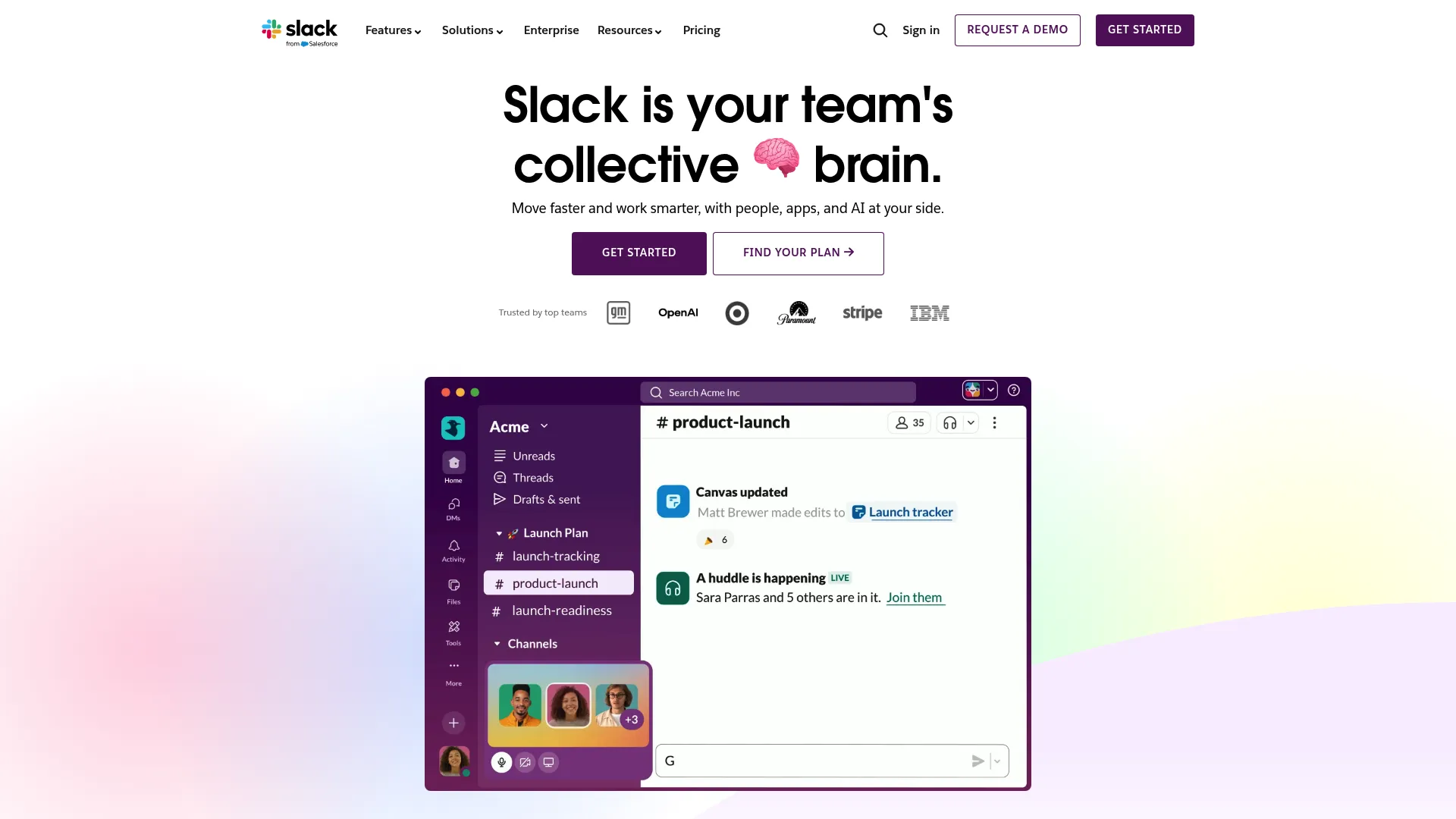
Slack acts as the “digital headquarters” for modern startups. It replaces internal email clutter with organized channels. Because it’s so easy to use and integrates with everything, it serves as a central notification hub for your other growth navigate startup tools.
Best Known for its Team Communication
Slack organizes the chaos of startup life into searchable streams of conversation. It is essential for keeping remote and hybrid teams aligned without burying them in email threads.
Features
-
Channels: Organized spaces for specific topics, projects, or teams.
-
Huddles: Quick voice and video chats that mimic stopping by a colleague’s desk.
-
Workflow Builder: Automates routine tasks like daily stand-ups.
-
Connect: Allows you to work securely with external partners in shared channels.
Pros
-
Speed: Communication happens in real-time.
-
Searchability: You can find old decisions or files instantly.
-
Integrations: Connects with over 500 other tools to centralize notifications.
Cons
-
Distraction: The constant pinging can kill deep work if you don’t manage your notifications.
-
History Limits: The free plan hides message history after 90 days.
Criteria Evaluation
-
Scalability: 5/5
-
Integration: 5/5
-
Ease of Use: 5/5
-
Cost-to-Value: 4/5
-
Data Visibility: 3/5
Community Reviews and Expert Recommendations
Teams love Slack for its fun, casual interface and reliability. The primary complaint revolves around the pricing model for larger teams and the potential for it to become a distraction engine.
(Source: Aggregated Community Feedback)
Price
A free plan is available. Pro plans start around $7.25 per user per month.
4. Notion
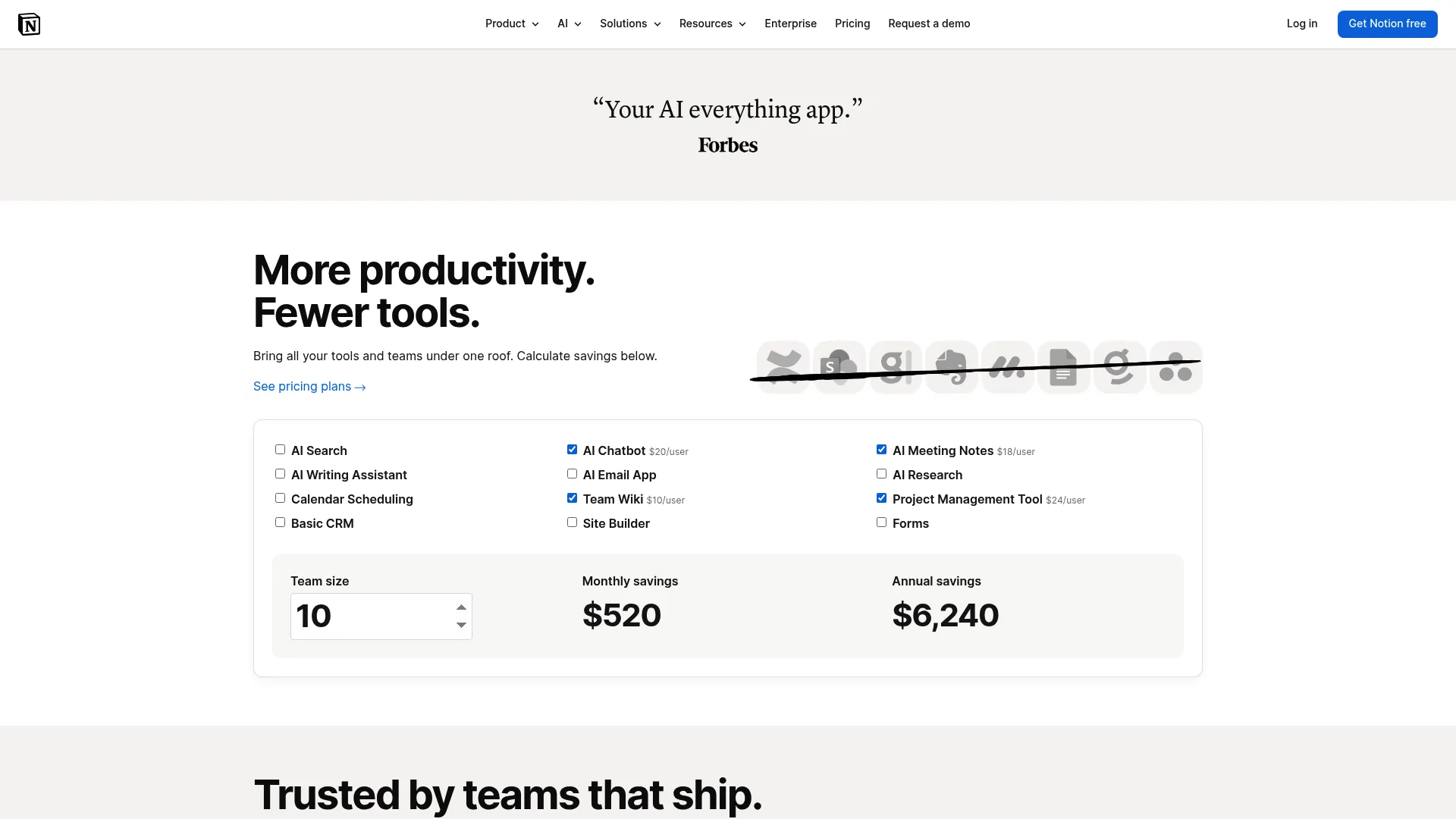
Notion is basically the operating system for the startup. It consolidates wikis, project boards, and documents into one flexible interface. While the “blank canvas” problem is real, its ability to replace multiple other subscriptions makes it one of the most versatile growth navigate startup tools out there.
Best Known for its Flexible Workspace
Notion combines your docs, wikis, and project management into one tool. It allows you to build your own internal software solutions without writing a single line of code.
Features
-
Wikis: Centralizes company policies and knowledge.
-
Databases: Organizes information in tables, boards, calendars, or lists.
-
Project Boards: Manages tasks with Kanban-style workflows.
-
AI Assistant: Helps write, summarize, and brainstorm directly in the doc.
Pros
-
Consolidation: Replaces 4 or 5 separate tools.
-
Customization: You can build the exact workflow your team needs.
-
Collaboration: Real-time editing makes working together seamless.
Cons
-
Structure: It can become messy if you don’t establish organization rules early.
-
Mobile: The mobile app can sometimes feel a bit slower than the desktop version.
Criteria Evaluation
-
Scalability: 4/5
-
Integration: 4/5
-
Ease of Use: 3/5
-
Cost-to-Value: 5/5
-
Data Visibility: 3/5
Community Reviews and Expert Recommendations
Notion has a cult-like following for its versatility. Users appreciate the aesthetic and flexibility. However, new users often report feeling overwhelmed by the lack of structure when they first open the app.
(Source: Aggregated Community Feedback)
Price
Free for individuals and small teams. Plus plans start at $8 per user per month.
5. Salesforce Starter Suite
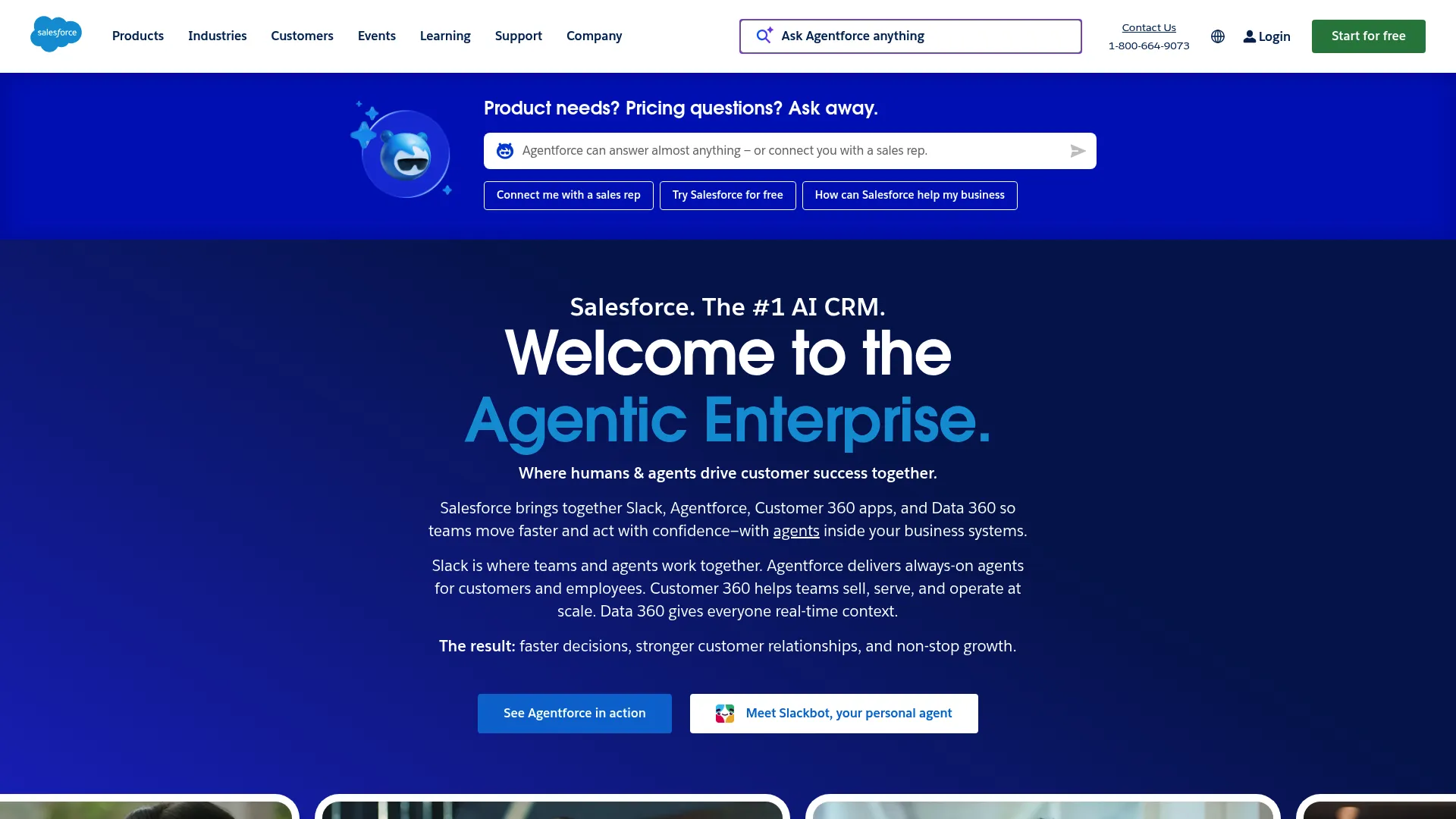
Startups anticipating rapid B2B growth need robust infrastructure. While Salesforce is often seen as an enterprise giant, the Starter Suite is tailored for SMBs. Starting with a tool you won’t outgrow secures its place on this list of growth navigate startup tools.
Best Known for its Enterprise Power
Salesforce is the world leader in CRM. The Starter Suite gives smaller teams access to that horsepower without the headache of a full enterprise implementation.
Features
-
Lead Management: Tracks prospects through every stage of the sales funnel.
-
Email Marketing: Sends campaigns directly from the CRM.
-
Case Management: Handles customer support tickets alongside sales data.
-
Reporting Dashboards: Provides deep analytics on sales performance and pipeline health.
Pros
-
Growth Path: You’ll never need to migrate data to a “bigger” system later.
-
Analytics: The reporting capabilities are incredibly robust.
-
Unified View: Sales, service, and marketing data live in one profile.
Cons
-
Overkill: It might be too much engine for a very simple business.
-
Learning Curve: It takes time to understand the Salesforce ecosystem.
Criteria Evaluation
-
Scalability: 5/5
-
Integration: 5/5
-
Ease of Use: 3/5
-
Cost-to-Value: 3/5
-
Data Visibility: 5/5
Community Reviews and Expert Recommendations
Sales professionals generally regard Salesforce as the gold standard. Reviews for the Starter Suite appreciate the simplified interface, though some users find the pricing structure confusing as they add more features.
(Source: Aggregated Community Feedback)
Price
Starts at $25 per user per month.
6. Zapier
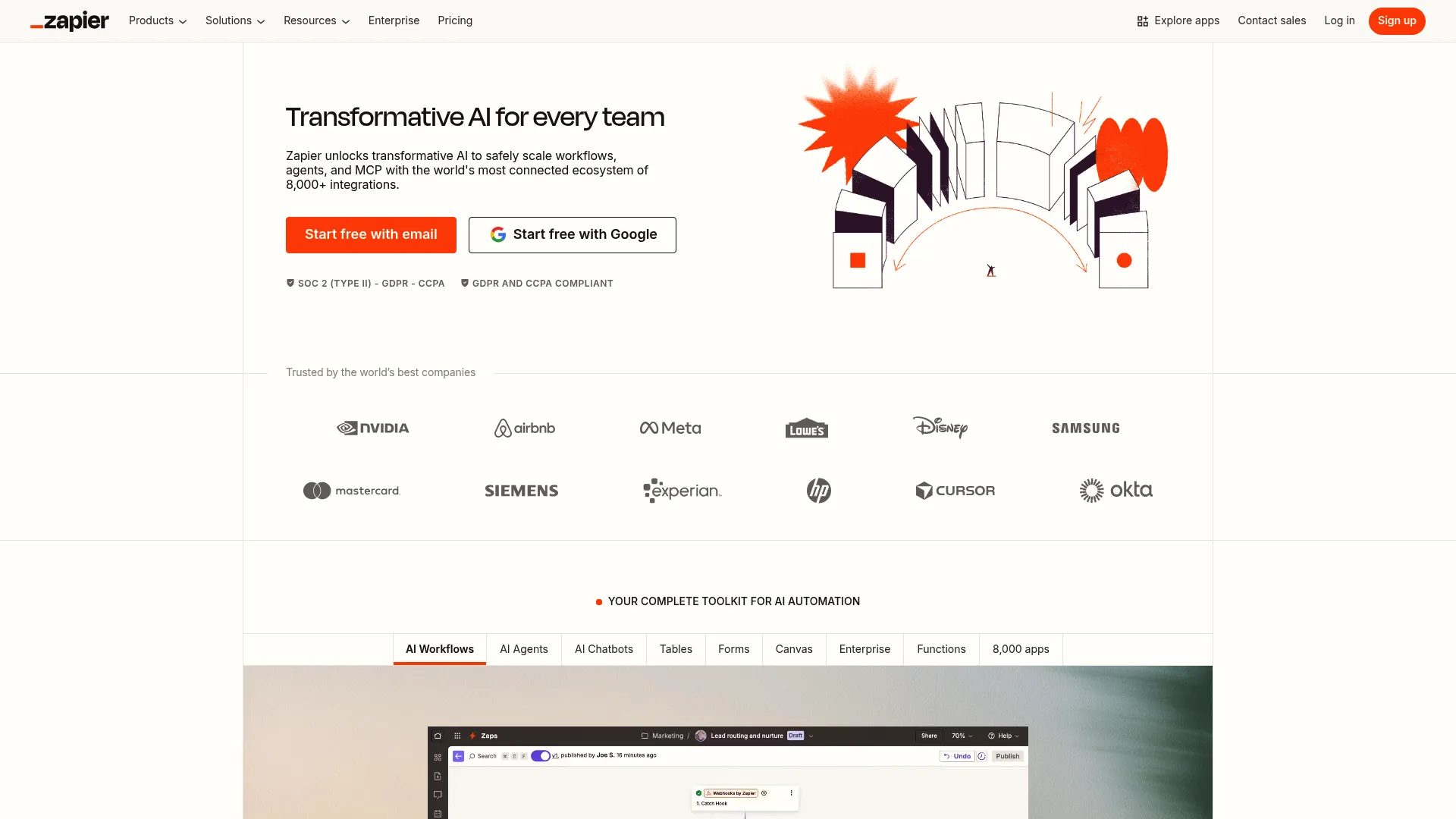
Zapier is the “glue” of the internet. Automation saves lean teams from hiring staff just for manual data entry. By using “Zaps” to connect your different growth navigate startup tools, you create a cohesive ecosystem that runs on autopilot.
Best Known for its Workflow Automation
Zapier connects your apps so they can talk to each other. It moves information between your web apps automatically so you can focus on your most important work.
Features
-
Zaps: Automated workflows that trigger actions based on specific events.
-
Multi-Step Logic: Creates complex sequences involving multiple apps.
-
Formatter: Cleans and formats data as it moves between tools.
-
App Connections: Integrates with over 7,000 different applications.
Pros
-
Efficiency: Saves hundreds of hours of manual copy-pasting.
-
Accessibility: Allows non-technical founders to build integrations without code.
-
Reliability: It runs in the background 24/7 without supervision.
Cons
-
Cost: Pricing scales up quickly as your task volume increases.
-
Maintenance: Complex workflows can break if an app changes its API.
Criteria Evaluation
-
Scalability: 5/5
-
Integration: 5/5
-
Ease of Use: 4/5
-
Cost-to-Value: 3/5
-
Data Visibility: 4/5
Community Reviews and Expert Recommendations
Zapier is widely considered indispensable for modern operations. Users love the “set it and forget it” nature of the tool. The main criticism is usually directed at the price jumps between tiers for high-volume users.
(Source: Aggregated Community Feedback)
Price
Free tier available (100 tasks/mo). Starter plans begin at $19.99 per month.
7. Puzzle
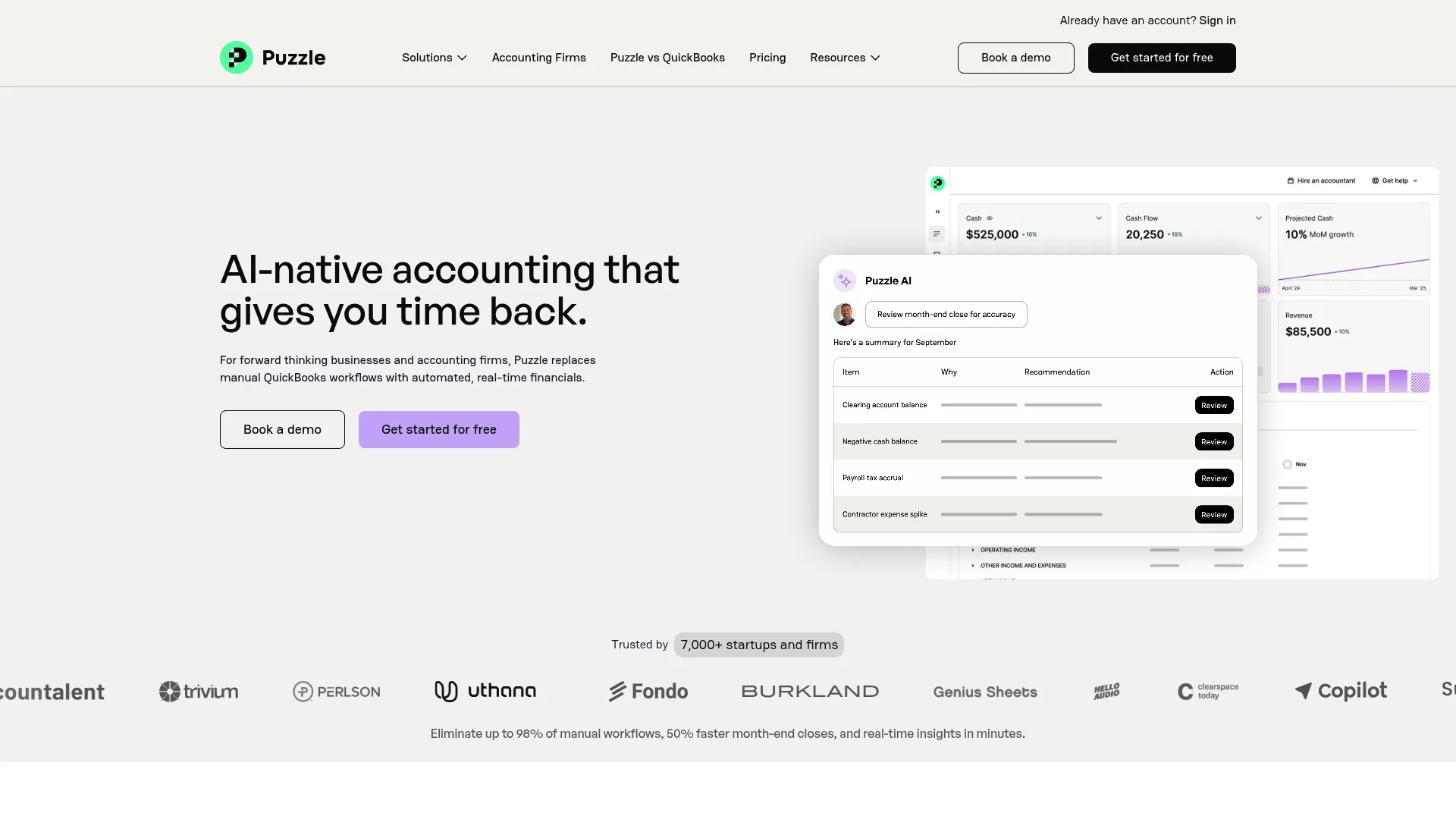
Financial navigation is critical. Puzzle offers a modern alternative to legacy accounting software, using AI to provide forward-looking strategy. It helps founders understand runway and burn rate in real-time, making it one of the most essential growth navigate startup tools for finance.
Best Known for its Strategic Finance
Puzzle uses AI to turn accounting into a strategic advantage. It is built specifically for startups that need to manage burn rates and prepare for fundraising.
Features
-
AI Forecasting: Projects future cash flow based on current trends.
-
Scenario Modeling: Helps you plan for hiring or growth spurts.
-
Real-Time Metrics: Generates dashboards for burn rate and runway instantly.
-
Investor Reporting: Creates reports ready for board meetings.
Pros
-
Speed: Generates financial statements in minutes rather than days.
-
Clarity: Makes complex accounting data understandable for founders.
-
Focus: Designed specifically for the startup business model.
Cons
-
Newness: It is a newer player compared to giants like QuickBooks.
-
Scope: May not have every niche feature required by traditional brick-and-mortar businesses.
Criteria Evaluation
-
Scalability: 4/5
-
Integration: 4/5
-
Ease of Use: 4/5
-
Cost-to-Value: 4/5
-
Data Visibility: 5/5
Community Reviews and Expert Recommendations
Founders praise Puzzle for making finance less intimidating. The real-time visibility into cash runway is a frequently cited favorite feature. Some accountants still prefer legacy tools, but startup operators prefer Puzzle’s interface.
(Source: Aggregated Community Feedback)
Price
Pricing varies based on company stage and expenses.
8. Miro
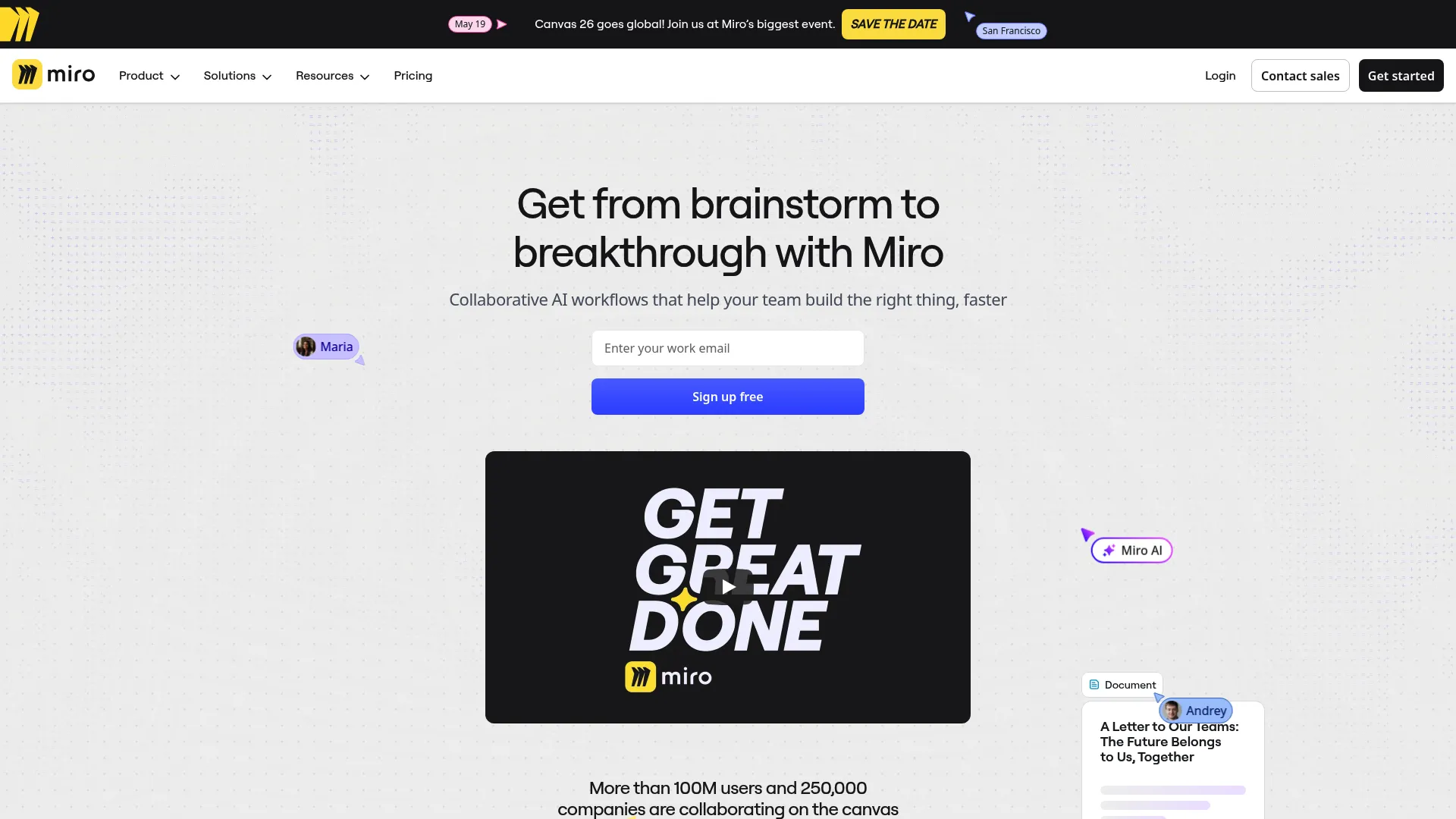
Miro is the visual workspace for hybrid teams. It bridges the gap between creative ideation and strategic planning. Its infinite canvas facilitates brainstorming sessions that feel as dynamic as being in the same room, qualifying it as a top-tier choice among growth navigate startup tools.
Best Known for its Visual Collaboration
Miro is an infinite online whiteboard. It provides a shared space where teams can map out product strategies, run agile sprints, and brainstorm freely.
Features
-
Infinite Canvas: A workspace that never runs out of room.
-
Templates: Hundreds of pre-made frameworks for strategy and design.
-
Sticky Notes: Digital post-its for rapid ideation.
-
Wireframing: Tools to mock up product designs and user flows.
Pros
-
Intuitive: Anyone can pick it up and start using it immediately.
-
Visuals: Helps communicate complex ideas that text can’t convey.
-
Remote Work: Essential for making remote meetings interactive.
Cons
-
Performance: Very large boards with thousands of items can load slowly.
-
Organization: It can be hard to find specific items on a massive board.
Criteria Evaluation
-
Scalability: 4/5
-
Integration: 4/5
-
Ease of Use: 5/5
-
Cost-to-Value: 4/5
-
Data Visibility: 3/5
Community Reviews and Expert Recommendations
Creative teams and product managers swear by Miro. It is often described as the best tool for replicating the “war room” experience remotely. Some users note that it can be resource-heavy on older computers.
(Source: Aggregated Community Feedback)
Price
Free plan available (3 boards). Starter plans begin at $8 per member per month.
9. Jasper
Jasper is the premier AI tool for marketing content. Unlike generic AI chatbots, it learns brand voice and scales content production. It helps lean marketing teams compete with larger enterprises by serving as one of the most efficient growth navigate startup tools for copy.
Best Known for its AI Content Scaling
Jasper is an AI platform built for enterprise marketing. It helps you create high-converting content for blogs, ads, and emails at a volume that human teams can’t match alone.

Features
-
Brand Voice: Learns your specific tone and style guide.
-
Campaign Acceleration: Turns one brief into assets for multiple channels.
-
SEO Mode: Optimizes content to rank higher in search results.
-
Art Generation: Creates accompanying visuals for your text.
Pros
-
Volume: Produces content at massive scale.
-
Quality: Trained on marketing frameworks to drive conversions.
-
Consistency: Keeps your brand voice uniform across all channels.
Cons
-
Cost: It is more expensive than basic AI writing tools.
-
Oversight: You still need a human editor to review the output.
Criteria Evaluation
-
Scalability: 4/5
-
Integration: 3/5
-
Ease of Use: 4/5
-
Cost-to-Value: 3/5
-
Data Visibility: 3/5
Community Reviews and Expert Recommendations
Marketers appreciate Jasper’s focus on business results rather than just text generation. The brand voice feature is a standout favorite. Some users feel the price point is high given the proliferation of cheaper AI tools.
(Source: Aggregated Community Feedback)
Price
Starts around $39 per seat per month.
Notable Mentions
Sometimes the best solution is a niche player. These four tools didn’t make the primary list but solve specific, high-value problems for startups. Rows handles data-heavy spreadsheets, Trello offers visual project management, Hotjar provides user behavior insights, and Carta manages equity. All are valuable growth navigate startup tools worth considering.
Rows
Rows is the spreadsheet for the modern age. It integrates directly with live data sources like Google Analytics and Stripe, allowing founders to build automated reports without leaving the grid view.
Trello
Trello is the accessible entry point for project management. Its Kanban-style boards are the perfect solution for non-technical teams or founders who need to visualize workflows without the configuration overhead of Jira.
Hotjar
While analytics tools track what happens, Hotjar reveals why. Heatmaps and session recordings are invaluable for optimizing landing pages and reducing churn by seeing the product through the user’s eyes.
Carta
Getting equity right from day one is crucial. Carta provides the essential infrastructure for managing cap tables, 409A valuations, and stock options, ensuring the startup remains investor-ready as it scales.
FAQ
Founders often have anxieties regarding their tech stack. Questions about budgeting, the trade-offs between all-in-one suites and specialized tools, and how to manage data migration risks when switching between growth navigate startup tools are common. Here is what you need to know.
How much of my budget should go toward these tools?
View software spend as a percentage of revenue or operating costs rather than a fixed number. Early-stage startups should prioritize growth navigate startup tools that directly drive revenue or save more than 10 hours of human labor per week.
Should I use an all-in-one suite or specialized tools?
All-in-one suites like HubSpot reduce complexity for early-stage teams. Specialized tools are better for later-stage companies that need deeper, specific functionality. If you’re struggling to configure these suites, reviewing our guide on HubSpot FAQs can help you determine if an all-in-one approach fits your technical capabilities.
When is the right time to switch from free to paid plans?
The upgrade trigger should be tied to a specific bottleneck. If you hit a contact limit that prevents sales or need a feature that automates a manual process, pay up. Don’t upgrade just for “nice-to-have” features.
How do I avoid tool fatigue for my team?
Implement a “one in, one out” policy or a strict review process before adding new subscriptions. Training is essential, as is ensuring every tool has a clear, documented owner within the company. For broader advice on selecting partners to help manage this growth, you might explore our list of digital marketing agencies for startups, which can sometimes alleviate the need for internal tool management.
Can I migrate my data easily if I pick the wrong tool?
Most modern tools have export/import functions, but data cleaning is always required. Start with tools that have open APIs or known integrations to make future moves less painful.
Final Thoughts
Selecting a tech stack is about more than features. Growth navigate startup tools are only as good as the strategy behind them. Strategy has to come first because tools won’t fix broken processes; they just accelerate working ones. Ensure your platforms talk to each other to avoid fragmented data and choose software that grows with you to avoid painful migrations later. Remember, the best tool is the one your team actually uses.
Navigating growth requires more than just a credit card and a software subscription. You need a partner who understands how to engineer these platforms into a revenue-generating system. At The Marketing Agency, we specialize in bridging the gap between technology and strategy.
Whether you need to dominate search results with our 30 Blogs in 30 Days service or future-proof your brand with Generative Engine Optimization (GEO), we provide the execution power to make your growth navigate startup tools work for you. We don’t just look at the data; we interpret it to help you make decisions based on the 80/20 rule of performance. If you need help interpreting the data from your new stack, our GA4 audit guide is an excellent place to start ensuring your data foundation is solid.
Ready to stop playing with tools and start building a machine?
