


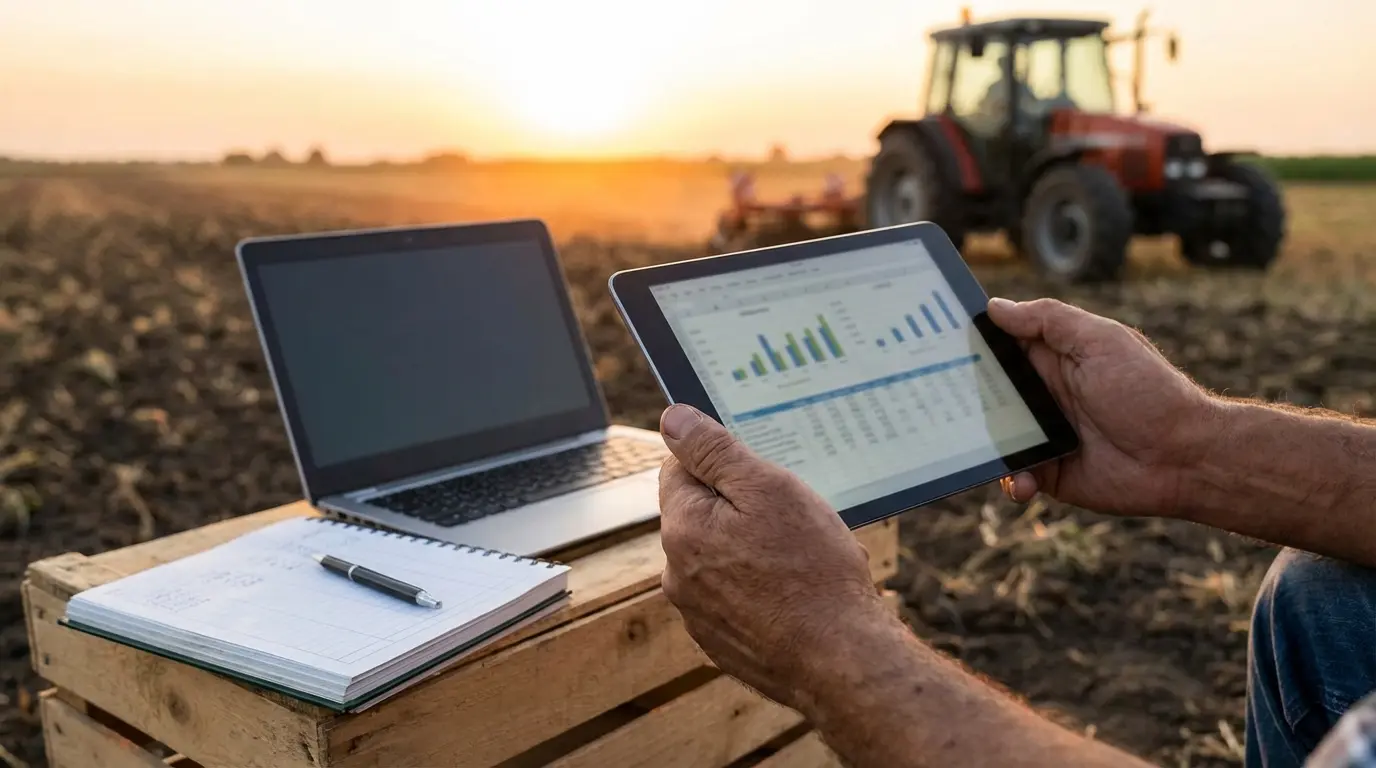
Managing farm finances is basically high-stakes poker where the weather deals the cards. You’re operating on razor-thin margins, managing massive capital assets, and dealing with biological inventory that eats, grows, and, if you’re unlucky, dies before you can get it to market.
Most general business advice is useless here. We know the frustration of sitting across from a city accountant or staring at a standard ledger, trying to explain why a “heifer” is an asset but a “steer” is inventory. It’s a headache that standard tools like Excel just can’t cure.
Farming operates on a biological lifecycle that standard ledgers miss. We cut through the marketing noise to find specialized farm accounting software that handles Schedule Fs, bushels, and depreciation without forcing you to do mental gymnastics.
Table of Contents
-
TL;DR: The Quick Decision Guide
-
The Criteria: How We Graded These Tools
-
1. Traction Ag
-
2. FarmRaise
-
3. PCMars
-
4. CenterPoint Accounting for Agriculture
-
5. ZipBooks
-
6. Ambrook
-
7. EasyFarm
-
8. QuickBooks Online
-
Notable Mentions
-
FAQ
-
Final Thoughts
TL;DR: The Quick Decision Guide
We know harvest season doesn’t leave much time for reading software reviews. If you need a solution right now, here is the rapid-fire breakdown.
-
Best Overall for Modern Ag: Traction Ag
-
Best for Finding Cash & Grants: FarmRaise
-
Best for Education & Compliance: PCMars
-
Best for Large Scale Operations: CenterPoint
-
Best Free Entry-Level Option: ZipBooks
-
Best for Banking Integration: Ambrook
-
Best Non-Subscription Desktop Option: EasyFarm
-
Best for Accountant Compatibility: QuickBooks Online
Comparison Table
|
Software |
Best Known For |
Deployment |
Pricing Model |
|---|---|---|---|
|
Traction Ag |
Field Profitability |
Cloud-Based |
Subscription |
|
FarmRaise |
Funding & Grants |
Mobile/Cloud |
Subscription |
|
PCMars |
Educational/Compliance |
Desktop |
One-time Fee |
|
CenterPoint |
Enterprise Analysis |
Hybrid |
Custom |
|
ZipBooks |
Simplicity |
Cloud-Based |
Freemium |
|
Ambrook |
Banking Integration |
Cloud-Based |
Subscription |
|
EasyFarm |
Customization |
Desktop |
One-time Fee |
|
QuickBooks |
Accountant Ecosystem |
Cloud-Based |
Subscription |
The Criteria: How We Graded These Tools
We didn’t pick these names out of a hat. We judged each piece of software on a few “must-haves” to make sure they can actually handle the reality of agriculture.
-
Farm Specificity: Does the software know the difference between “soil” and “dirt”? Can it handle units like bushels, head, and CWT naturally, or do you have to rig it?
-
Inventory & Asset Tracking: We prioritized software that handles cost allocation for feed, seed, and fertilizer, as well as depreciation for that combine you just bought.
-
Connectivity: Does it talk to your bank? Can it pull data from John Deere Operations Center? If it doesn’t automate data entry, it’s just a digital notebook.
-
Deployment: Can you check it on your phone from the tractor cab (Cloud), or does it live on the office desktop (Local)?
-
Reporting: Can it generate a Schedule F without making you cry? Can it show break-even analysis by acre?
1. Traction Ag
Best Known for its Field Profitability
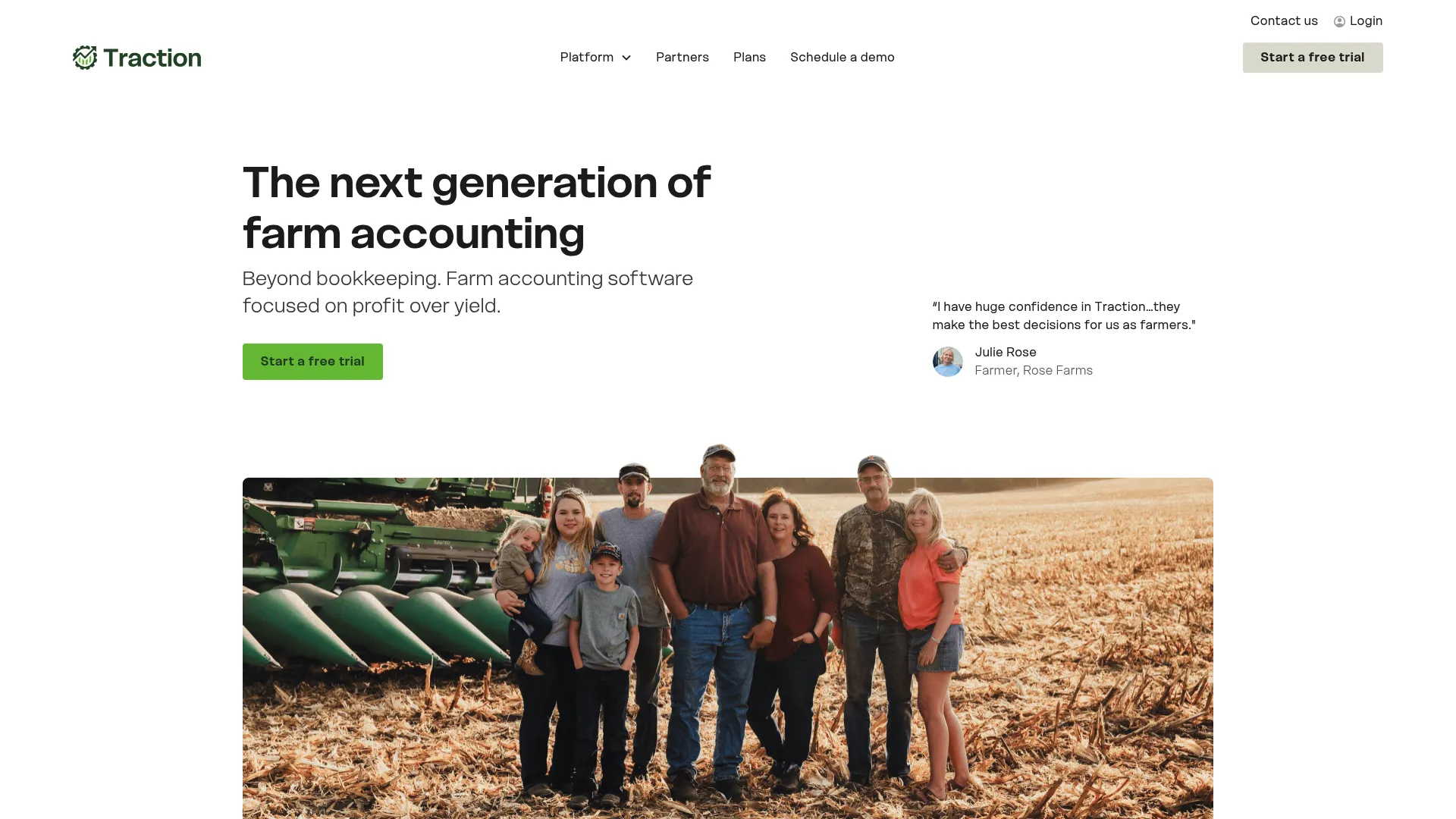
Traction Ag is a solid cloud-based option that connects what happens in the field to what shows up on the balance sheet. It’s great for seeing exactly where you are making money (or losing it) down to the specific acre.
Features
This platform syncs with the big agronomy platforms, which means your inventory tracking is happening in real-time, saving you a massive headache come tax season.
-
Talks directly to John Deere Operations Center and Climate FieldView.
-
Real-time tracking of inventory and profitability.
-
One-click generation for Schedule F and 1099 forms.
-
Handles payroll and bank syncing well.
Pros
The biggest win here is how it handles crop years versus calendar years—a distinction that trips up most generic software.
-
Specifically handles crop year vs. calendar year accounting nuances.
-
Cloud-based, so you can check numbers from the truck or the field.
-
Users report saving a lot of time on monthly bookkeeping.
Cons
It’s built for serious operations, so the price might be a bit steep if you’re just running a small hobby farm.
-
Positioned for larger farms or those needing advanced features.
-
Higher price point compared to basic ledgers.
Criteria Evaluation
-
Farm Specificity: 5/5
-
Inventory Management: 5/5
-
Ease of Use: 4/5
-
Reporting: 5/5
-
Integration: 5/5
Community Reviews and Expert Recommendations
Users really like the “one-stop-shop” feel. People moving over from older systems like Farm Works usually find the transition pretty smooth. The customer support gets high marks, too. It’s still evolving, but most users seem happy with how fast new features are being added. (Source: Software Advice)
Price
Subscription-based (varies by farm size).
Let me know if you’d like me to continue!
2. FarmRaise
Best Known for its Funding Access
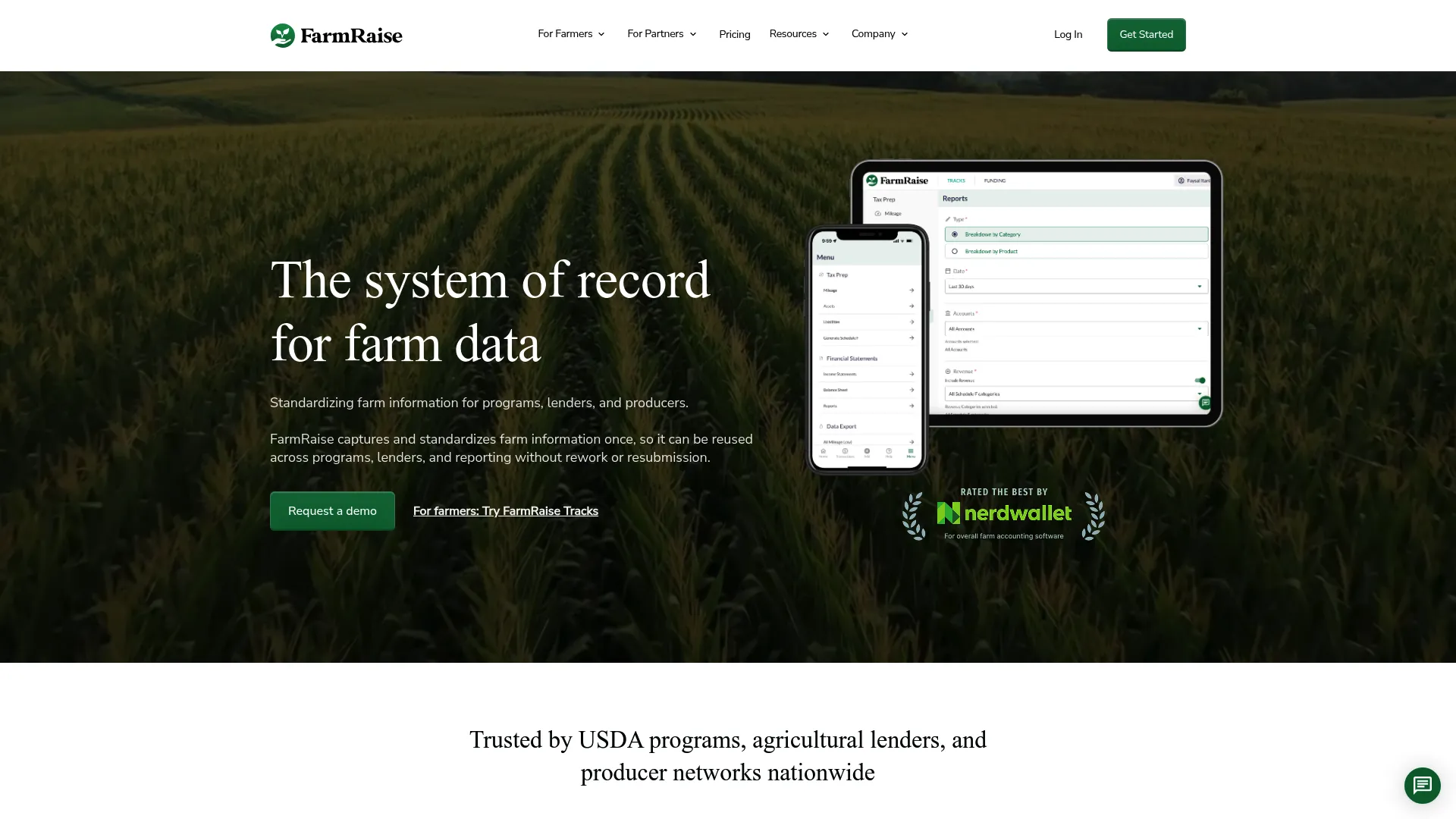
FarmRaise is mobile-first and takes a different angle: it helps you track finances, but its superpower is helping you find grants and funding.
Features
The “Tracks” feature is great for logging expenses right when you buy something, and the weekly updates on FSA funding are a unique bonus.
-
“FarmRaise Tracks” lets you log expenses on your phone immediately.
-
Weekly updates on FSA funding opportunities in the app.
-
Generates tax prep reports including Schedule F.
-
You can invoice directly from the mobile app.
Pros
The app looks great and is easy to use. Plus, if it helps you land a grant, it basically pays for itself.
-
Extremely user-friendly; you don’t need an accounting degree to use it.
-
Actively helps producers find free money (grants/funding).
-
Great for capturing receipts on the go so you don’t lose them in the truck console.
Cons
It’s focused heavily on cash flow and taxes; it’s not going to give you deep inventory tracking or complex payroll without add-ons.
-
Not linked to deep inventory tracking.
-
Payroll is an extra option, not a core feature.
Criteria Evaluation
-
Farm Specificity: 4/5
-
Inventory Management: 2/5
-
Ease of Use: 5/5
-
Reporting: 4/5
-
Integration: 3/5
Community Reviews and Expert Recommendations
A lot of farmers stumble onto FarmRaise and end up loving it because it kills the paperwork pile. People who struggled with QuickBooks often find this much easier. The tutorials from the CEO and the support team get a lot of love in the reviews. (Source: FarmRaise Reviews)
Price
Monthly subscription.
3. PCMars
Best Known for its Educational Roots
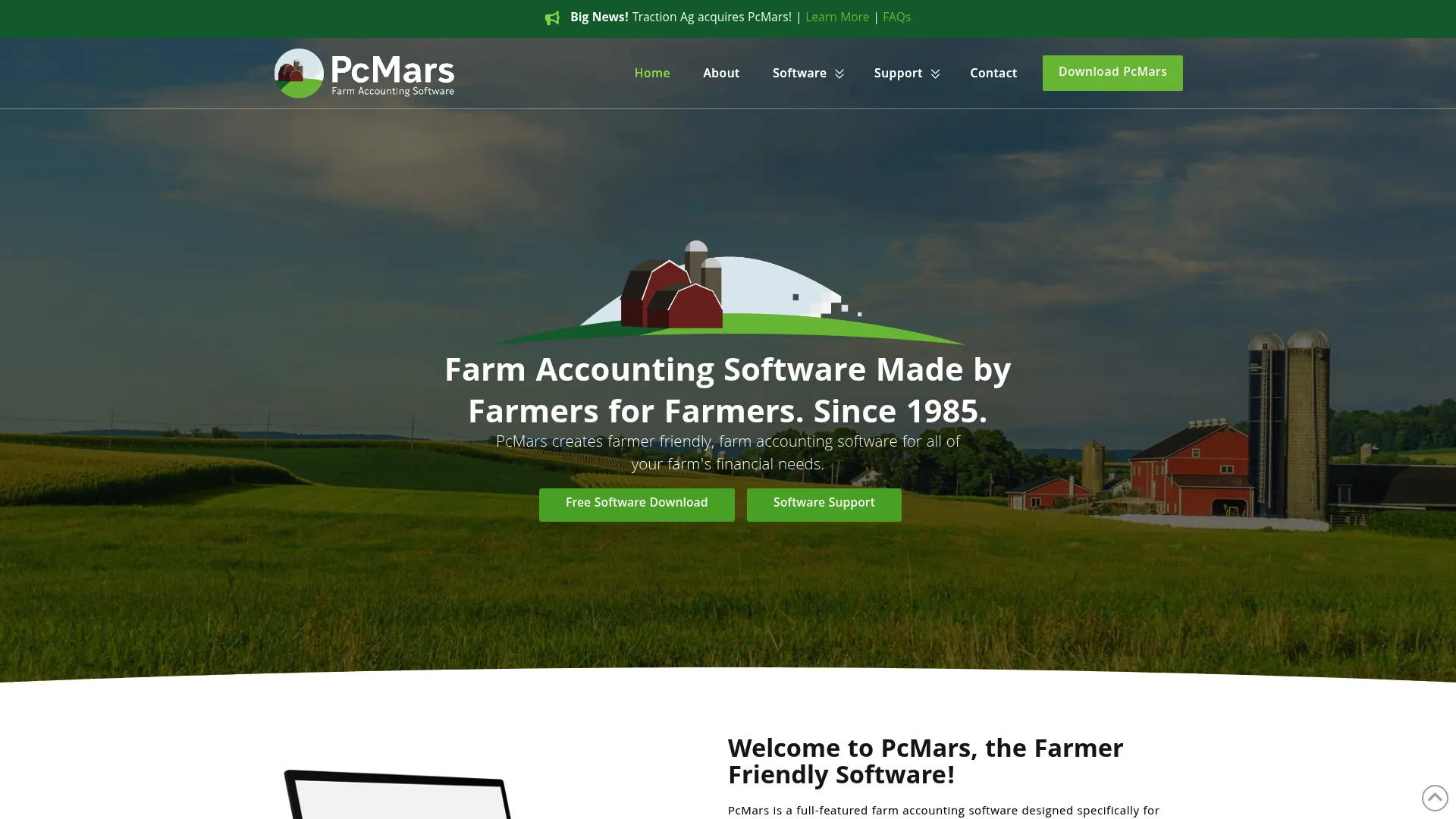
PCMars is a desktop workhorse. It was built by farmers and engineers, and it’s heavily tied to agricultural education programs. It’s not pretty, but it works.
Features
It’s a full-featured suite that includes payroll and inventory. It’s the darling of farm business associations.
-
Full-featured accounting including payroll and inventory.
-
Used heavily by educator programs.
-
Generates tax reports specifically for ag needs.
Pros
You buy it once, and you own it. No monthly fees. Plus, if you work with a university extension program, they probably know this software inside and out.
-
One-time purchase (cost-effective).
-
Highly specialized for farm tax compliance.
-
Robust support network through university extensions.
Cons
It looks like it was made in 1998. It lives on your desktop, so no checking it from the field, and you can’t have multiple people working in it at once easily.
-
Desktop-based (no cloud access).
-
Does not support multiple users simultaneously.
Criteria Evaluation
-
Farm Specificity: 5/5
-
Inventory Management: 4/5
-
Ease of Use: 3/5
-
Reporting: 5/5
-
Integration: 2/5
Community Reviews and Expert Recommendations
While the interface isn’t modern, users appreciate the ability to break out every field individually for ROI analysis. Users like the simplicity and detail but often wish it had a mobile app. (Source: Software Connect)
Price
One-time fee (varies by version).
4. CenterPoint Accounting for Agriculture
Best Known for its Enterprise Analysis
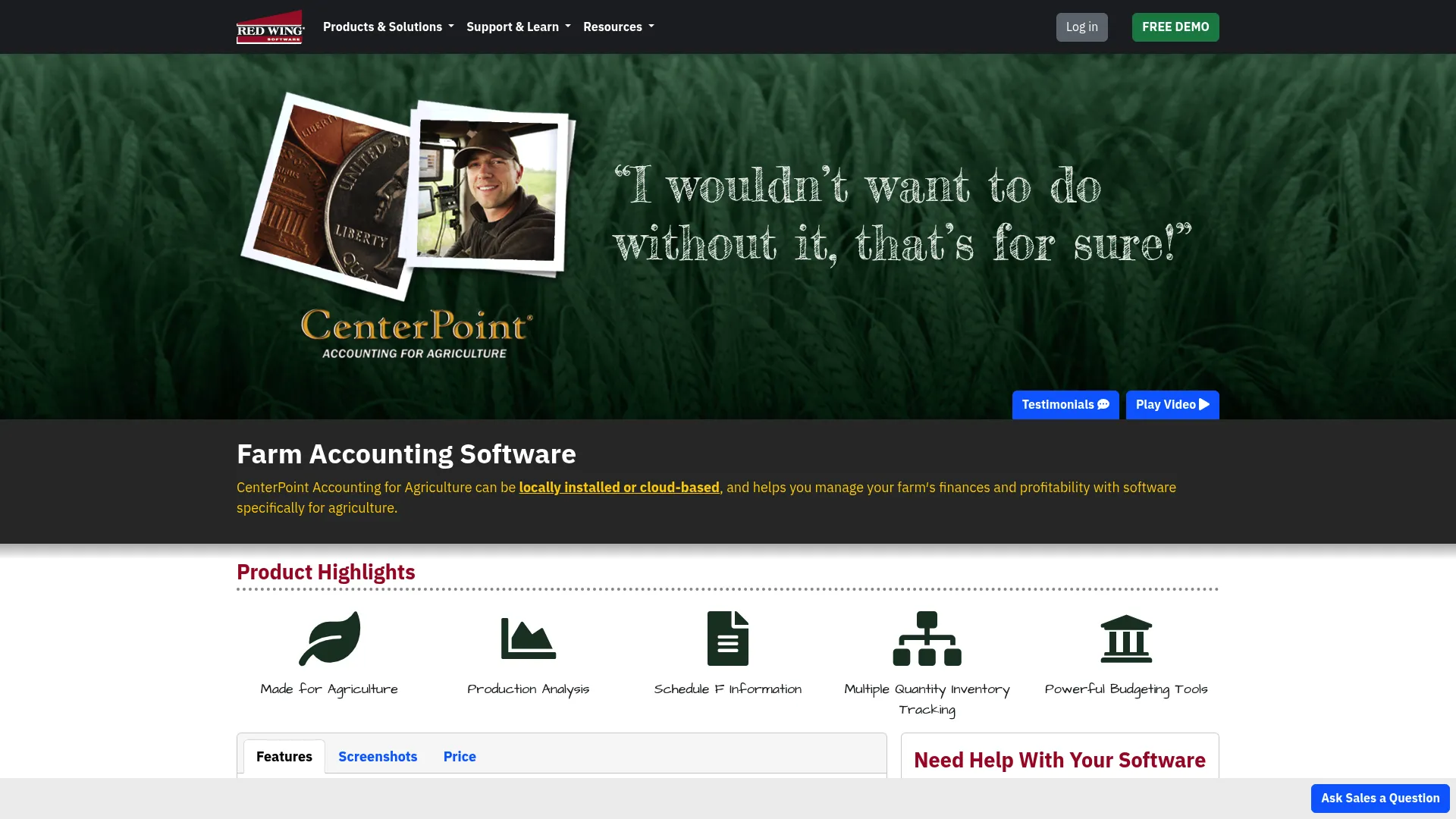
CenterPoint is for the big operations. If you have a complex setup and need deep profitability analysis, this is the heavy hitter.
Features
It tracks everything: multiple quantity inventory, production details, and enterprise analysis.
-
Multiple quantity inventory tracking.
-
Advanced enterprise analysis.
-
Production detail tracking.
-
Hybrid deployment (Cloud or Desktop).
Pros
The reporting is incredibly detailed. As your farm grows, this software won’t struggle to keep up.
-
Extremely detailed reporting.
-
Scalable for growing agribusinesses.
-
Stable, long-standing reputation.
Cons
It’s expensive, and they don’t publish the pricing openly. Also, because it does so much, it takes a while to learn how to use it properly.
-
Pricing is custom (and likely high).
-
Steep learning curve.
Criteria Evaluation
-
Farm Specificity: 5/5
-
Inventory Management: 5/5
-
Ease of Use: 3/5
-
Reporting: 5/5
-
Integration: 4/5
Community Reviews and Expert Recommendations
Long-term users (some since the 90s) swear by the depth of detail. New users sometimes find the transition tough, but usually agree it’s worth it for the payroll processing speed alone. (Source: Software Connect)
Price
Custom per farm.
5. ZipBooks
Best Known for its Simplicity
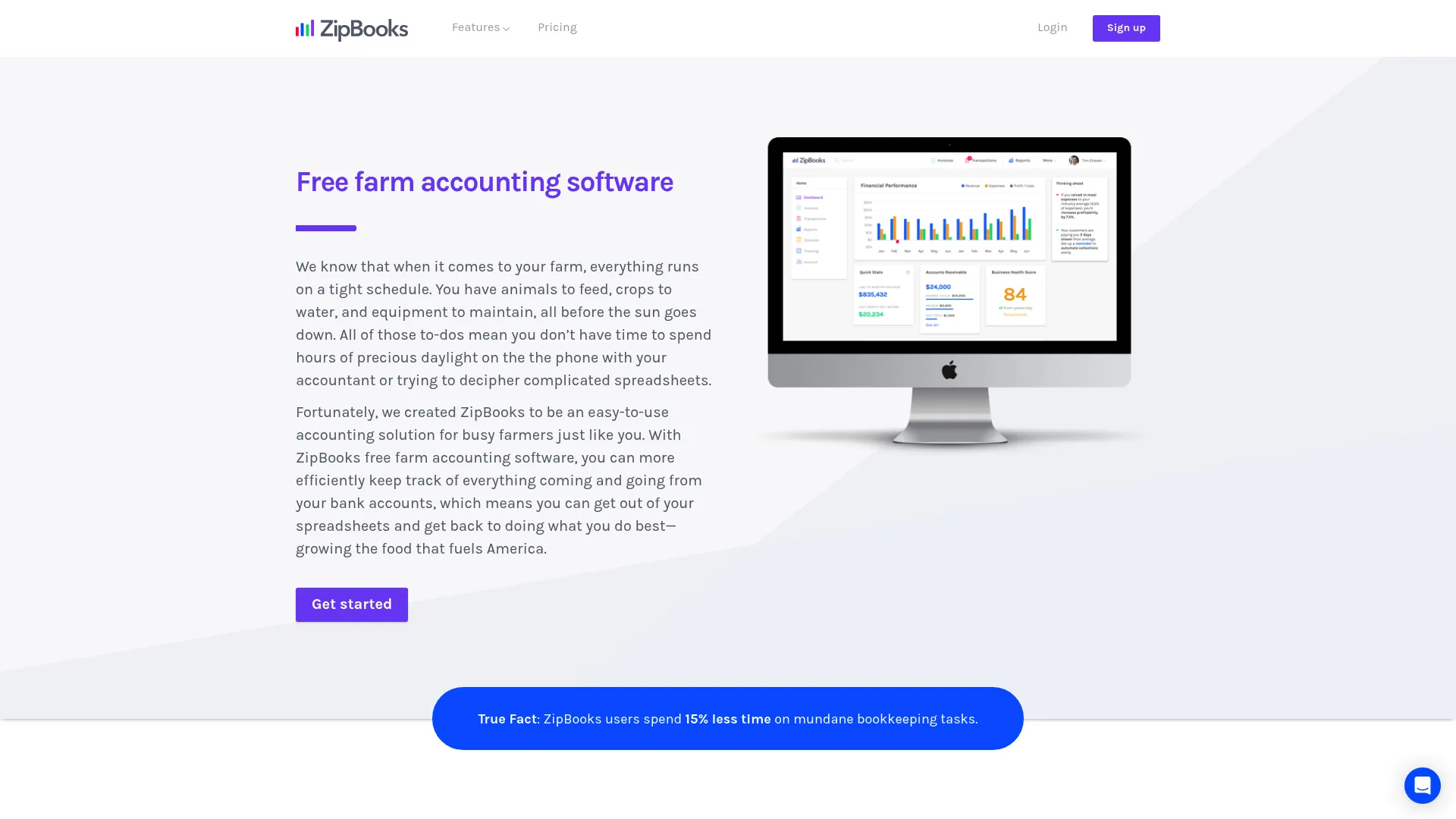
ZipBooks is a modern, user-friendly option. It’s general accounting software, but it works well for farmers who just want a free, simple way to stop using spreadsheets.
Features
Invoicing, tagging, and a decent mobile app.
-
Unlimited invoicing and estimates.
-
Auto-generated quarterly income statements.
-
Tagging system by location, project, or vendor.
-
Mobile app.
Pros
The free tier is generous. It’s very intuitive, and the digital invoicing helps you get paid faster.
-
Free tier available with good features.
-
Very modern, clean interface.
-
Speeds up payment collection.
Cons
It doesn’t know what a bushel is. You’ll have to use workarounds for farm-specific units, and accrual features cost extra.
-
Lacks deep farm-specific inventory tools.
-
Accrual accounting requires paid tiers.
Criteria Evaluation
-
Farm Specificity: 2/5
-
Inventory Management: 2/5
-
Ease of Use: 5/5
-
Reporting: 3/5
-
Integration: 3/5
Community Reviews and Expert Recommendations
Small business owners find it a breeze compared to clunky legacy software. It makes invoices look professional, which is a nice touch. (Source: ZipBooks Reviews)
Price
Free starter option; paid upgrades available.
Let me know if you’d like me to continue!
6. Ambrook
Best Known for its Banking Integration
Ambrook is the cool new kid on the block. It’s cloud-based and focuses heavily on syncing with your bank to automate the boring stuff.
Features
Automated imports, a great mobile app for tagging transactions, and Schedule F exports.
-
Fully banking-integrated for automated transaction imports.
-
Mobile app for processing invoices and credit cards.
-
Schedule F export capabilities.
Pros
The interface is beautiful and easy to use. It’s great for collaboration if you have a partner or accountant who needs access.
-
Excellent mobile access and UI.
-
Supports multiple users and roles.
-
Makes categorizing expenses actually kind of fast.
Cons
It has some gaps in inventory and payroll, and like all cloud tools, if your internet is down, you’re locked out.
-
Does not include deep inventory or payroll features yet.
-
Relies on internet connectivity.
Criteria Evaluation
-
Farm Specificity: 4/5
-
Inventory Management: 1/5
-
Ease of Use: 5/5
-
Reporting: 4/5
-
Integration: 5/5
Community Reviews and Expert Recommendations
Users feel it simplifies the financial view and helps them run a stronger business. It’s often described as “bookkeeping made simple.” (Source: Ambrook)
Price
Subscription-based.
7. EasyFarm
Best Known for its Customization
EasyFarm is exactly what it sounds like: reliable, desktop-based, no-nonsense. It appeals to people who hate the idea of a monthly subscription.
Features
Farm-specific chart of accounts, inventory tracking, and optional add-ons for crops.
-
Farm-specific chart of accounts.
-
Inventory tracking included.
-
Optional crop and field add-ons.
-
Custom report generation (including Schedule F).
Pros
No monthly fees is the big one. Plus, it works without the internet, which is a necessity in some rural areas.
-
No monthly subscription fees.
-
Highly tailored to ag needs.
-
Reliable; works offline.
Cons
Payroll costs extra, and it’s a single-user program, so it’s hard to collaborate.
-
Payroll is an added cost.
-
Single-user program limits collaboration.
Criteria Evaluation
-
Farm Specificity: 5/5
-
Inventory Management: 4/5
-
Ease of Use: 3/5
-
Reporting: 4/5
-
Integration: 2/5
Community Reviews and Expert Recommendations
Users love that it was clearly developed for farmers. However, some people complain about glitches in the crop manager and the lack of modern niceties like attaching PDFs to checks. (Source: Software Connect)
Price
One-time fee (plus add-on costs).
8. QuickBooks Online
Best Known for its Accountant Ecosystem
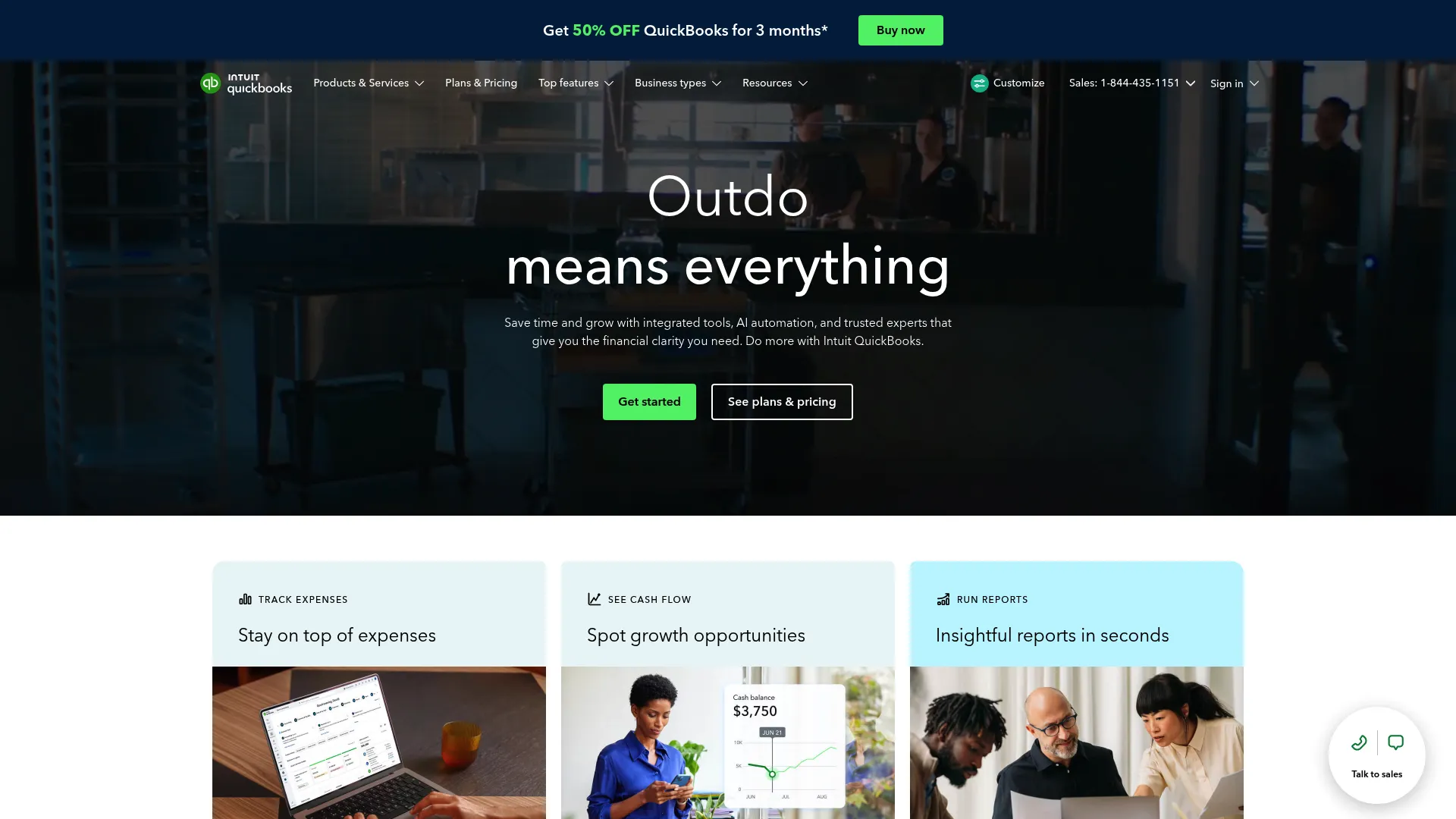
QuickBooks Online is the 800-pound gorilla. It wasn’t built for farms, but it’s the default choice because every accountant on earth knows how to use it.
Features
Cloud access, huge reporting capabilities, and it connects to basically everything.
-
Cloud-based access.
-
Extensive reporting.
-
Simplifies tax prep for your accountant.
Pros
If you have a problem, you can find a YouTube video or an accountant to fix it in five minutes. It’s highly customizable *if* you know how to set up the Chart of Accounts.
-
Industry standard; finding help is easy.
-
Highly customizable.
-
Huge library of integrations (connects to other tools easily).
Cons
You have to “teach” it how to be a farm software. It doesn’t know farm units natively, and those monthly fees add up over the years.
-
Requires setup to handle farm units of measure.
-
Monthly subscription fees.
Criteria Evaluation
-
Farm Specificity: 2/5
-
Inventory Management: 3/5
-
Ease of Use: 4/5
-
Reporting: 5/5
-
Integration: 5/5
Community Reviews and Expert Recommendations
It’s the market leader for a reason. The automation is great, and the mobile app is solid. It can be a bit “busy,” but it makes sense once you learn it. (Source: Business.com)
Price
Tiered monthly subscription.
Notable Mentions
We wanted to give you the full picture. These didn’t make the top 8, but they serve specific needs.
1. Quicken
Good for hobby farms or if you mix personal and farm finances (which you shouldn’t do, but we know it happens). Cheap and cheerful.
2. Wave
A solid free, cloud-based option. Good for a startup, but don’t expect it to handle complex inventory.
3. FINPACK
This isn’t for daily bookkeeping; it’s for deep financial analysis and credit checks. It’s a heavy-duty planning tool.
4. Microsoft Excel
The classic. It’s versatile, but it has no audit trail. If you make a typo, good luck finding it. It requires a lot of manual setup to be useful for taxes.
FAQ
You probably have a few questions before you commit. Here are the answers to the stuff we hear most often.
Do I really need farm-specific software or is QuickBooks enough?
It depends on your inventory. If you need to track bushels, head, and feed ratios, specific farm software saves you time because it speaks that language natively. If you just need tax compliance and cash flow tracking, QuickBooks works fine—you just have to set up your categories correctly.
Can I access these programs from the tractor cab?
Only the cloud-based ones (Traction Ag, FarmRaise, QuickBooks, Ambrook). If you buy desktop software like PCMars or EasyFarm, that data lives on your office computer hard drive. You won’t see it unless you’re sitting in the chair.
How hard is it to switch from my current system?
It’s a pain, honestly. But it’s usually worth it for better data. Most platforms let you import CSV files to bring in your vendors and customers, but expect to do some manual cleanup. We always recommend switching at the start of a fiscal year to keep things clean.
What is the difference between cash and accrual accounting for farms?
Cash accounting records money when it changes hands (simple, great for taxes). Accrual records income when you earn it (like when the grain leaves the farm) and expenses when you incur them. Accrual is harder to do, but it gives you the real picture of whether you’re actually making a profit on that crop year.
Are there free options that are actually good?
ZipBooks and Wave are great for general bookkeeping. But you aren’t going to find high-end farm inventory software for free. The complex stuff costs money to develop, so you generally get what you pay for.
What about general agricultural software?
There are lots of farm management systems that focus on agronomy (seed rates, fertilizer, soil health). But they often lack the strict accounting rules needed for the IRS or your banker. You usually need dedicated accounting tools to keep the books straight.
Final Thoughts
Choosing software is an investment, not just another bill to pay. You need tools that speak the language of agriculture so your financial data doesn’t live on an island.
Getting your books in order is step one. Step two is making sure every dollar you spend is actually bringing a return. Use our ROI calculator to see how efficiency translates to profit.
Solid accounting is the bedrock of a scalable agribusiness.
Growing Beyond the Books with The Marketing Agency
Once the books are balanced, the goal is growth. We help agribusinesses take that next step. Whether you need SEO to drive direct-to-consumer sales, Ecommerce solutions for your farm store, or data analytics to maximize your marketing ROI, we have the expertise to help you grow.
