



Table of Contents
-
You’re Optimizing for the Wrong Metric
-
The Hidden Cost of Meeting Extensions
-
What Free Users Actually Lose (And It’s Not Just Time)
-
The 60-Minute Forcing Function Nobody Talks About
-
When Upgrading Actually Makes Things Worse
-
Async Communication as a Time Limit Strategy
-
Recording Workarounds That Change Meeting Behavior
-
The Real Reason Enterprise Teams Hit Time Limits
-
How to Design Meetings That Respect Constraints
-
Working With The Marketing Agency
TL;DR
Google Meet’s 60-minute limit on free accounts isn’t the problem. Your meeting habits are. (1:1 calls are unlimited, by the way.)
Most teams immediately think “we should upgrade” when they hit the limit. Wrong move. The time cap is exposing bloated agendas and meetings that shouldn’t exist.
Paid Workspace accounts remove the limit entirely, which sounds great until your meetings just get longer without getting better.
The teams that work best with the constraint? They design around it. Better agendas, async communication, strategic recording. They make the 60 minutes work instead of fighting it.
If you’re constantly hitting time limits, you probably don’t need longer meetings. You need fewer meetings and better structure for the ones you keep.
“Should we upgrade to Workspace?”
That question pops up in the chat around minute 59 of a Google Meet call, like clockwork. Someone’s mid-sentence, the warning appears, and suddenly everyone’s debating subscription plans instead of finishing the discussion.
I get why it feels like a platform limitation. Google Meet’s free tier caps group calls at 60 minutes (though 1:1s are unlimited, more on that later). Zoom only gives you 40 minutes. So 60 feels generous until you’re the one getting cut off. Google Meet holds a 29.39% market share in the video conferencing space, making it the second-most-used platform worldwide.
But here’s what I’ve learned after watching dozens of teams hit this wall: The time limit isn’t your problem. How you’re using those 60 minutes is.
You’re Optimizing for the Wrong Metric
The Upgrade Reflex
The upgrade reflex is real. Hit 59 minutes, someone types “should we upgrade?”, and the conversation immediately shifts to pricing tiers and billing.
Nobody stops to ask: “Wait, why did this meeting need an hour in the first place?”
Look, I’m not saying Google’s 60-minute cap is some altruistic gift to improve your meeting culture. They want you to pay for Workspace. But that constraint does something useful anyway. It exposes the bloat.
Most teams never pause to ask what they’d do differently if the limit didn’t exist. They assume the meeting length is correct and the platform is wrong. That assumption costs way more than the $6/month for a Google Workspace subscription.

I worked with a marketing team last year (Series B SaaS company, about 50 people) that hit the Google Meet limit three weeks running on their “weekly sync.” When they finally sat down and audited what they were doing in that hour:
-
35 minutes: Status updates that could’ve been a Slack message
-
15 minutes: Design review that only involved two people
-
10 minutes: Actual strategic discussion
They moved the updates async, split off the design review into a separate call with just the relevant people, and suddenly their strategic discussion fit in 20 minutes. With time left over.
The time limit didn’t create their inefficiency. It just made it impossible to ignore.
What the Clock Actually Tells You
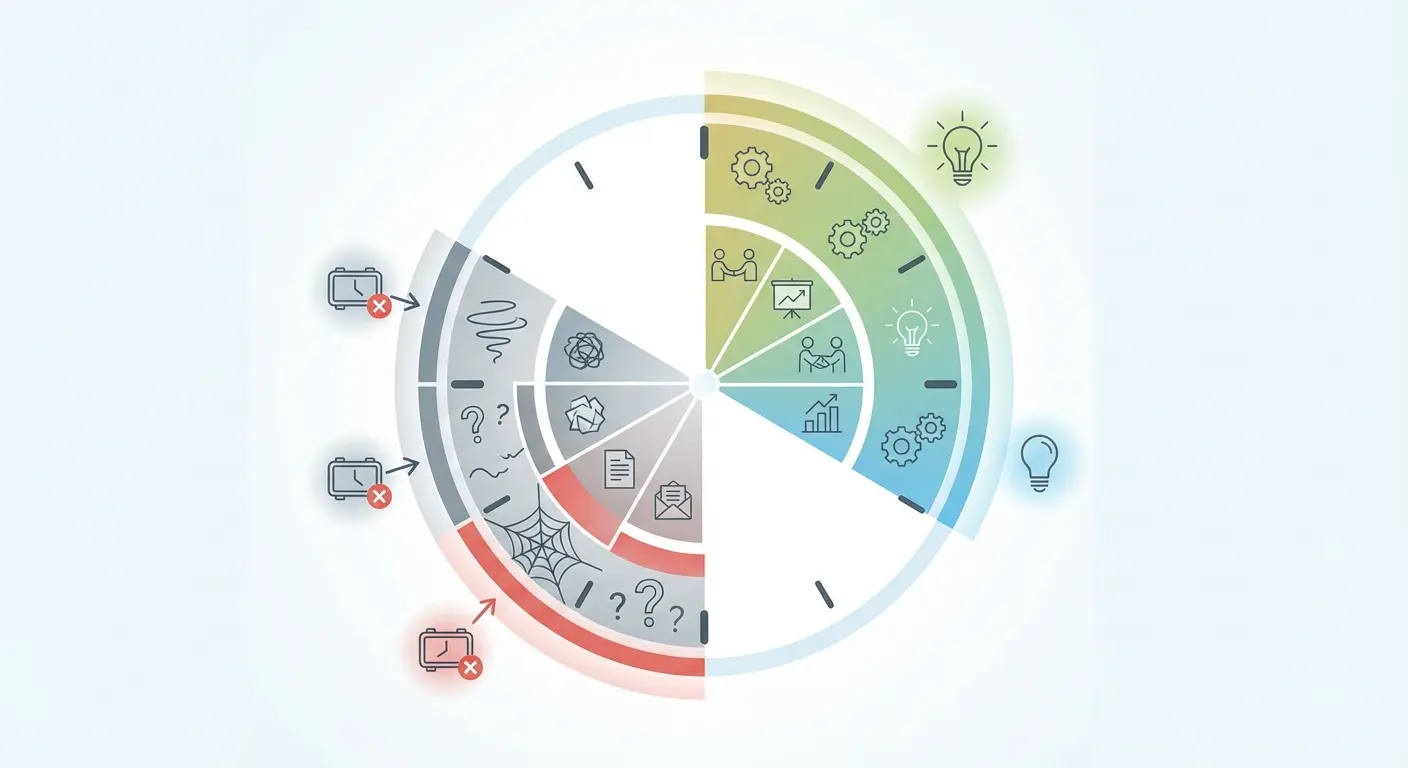
Time limits reveal patterns you’d otherwise ignore. A meeting that consistently bumps against 60 minutes isn’t a meeting that needs 65 minutes. It’s a meeting with scope creep, poor facilitation, or too many people who haven’t prepared.
Record how often your team hits the limit. You’ll notice it’s not random. The same meeting types run long. The same facilitators lose track of time. The same topics spiral without resolution.
Why does Google Meet have a time limit? Beyond the obvious business model, it creates a feedback loop that most teams desperately need but actively avoid. The constraint surfaces dysfunction. You can upgrade and make the warning disappear. That doesn’t mean the underlying dysfunction goes away. It just means you stop getting feedback about it.
The Hidden Cost of Meeting Extensions
The Endless Meeting Phenomenon
Removing time constraints doesn’t make meetings better. It makes them longer.
Parkinson’s Law applies viciously to video calls. Work expands to fill the time available, and when you eliminate the 60-minute boundary, meetings stretch into 90-minute marathons where the last 30 minutes produce almost nothing useful. You know these meetings. Someone says “well, since we have time…” and suddenly you’re deep in a tangent that could’ve been a Slack thread.
There’s research from MIT (I think it was 2019?) showing that productivity per minute drops sharply after the first hour. Attention drops. Participation becomes uneven. Decisions get revisited instead of made. But without a hard stop, nobody calls it. The meeting just continues.
Teams that upgrade to unlimited Google Meet time often report that their meetings get longer before they get better. Some never get better. They just normalize two-hour blocks where one hour would have forced tighter scoping.
What You Lose When Nothing Ends
Natural endpoints serve a purpose beyond scheduling. They force synthesis.
When you know a meeting ends at 60 minutes, you compress. You prioritize. You make decisions instead of tabling them. The Google Meet time limit creates urgency that wouldn’t otherwise exist, and that urgency often produces clarity. Remove the limit and you remove the incentive to drive toward conclusion.
This affects meeting culture in ways that are hard to reverse. Once your team learns that meetings can run indefinitely, they stop preparing as rigorously. Why front-load the important stuff when you can always “circle back” in the same call?
The time limit acted as a quality filter. Without it, everything feels equally important (which means nothing is).

What Free Users Actually Lose (And It’s Not Just Time)
The Actual Free Tier Breakdown
Does Google Meet have a time limit that varies by meeting type? Absolutely. The free version gives you more than most people realize. Unlimited 1:1 calls. Up to 100 participants. Screen sharing. Live captions. Basic recordings (though with restrictions). According to detailed platform analysis, Google Meet’s free tier allows one-on-one calls to last up to 24 hours, while group meetings with three or more participants are capped at 60 minutes.
That last detail matters. If you’re primarily doing 1:1s, you never hit the limit. Your problem isn’t the free tier. Your problem might be that you’re running group calls when a series of individual conversations would work better.
The free plan also loses access to breakout rooms, polls, Q&A features, and attendance tracking. For some teams, these features matter more than unlimited time. You can work around a 60-minute limit with better agendas. You can’t work around the absence of breakout rooms if your facilitation style depends on small group work.
Here’s the breakdown of what you get (and what you lose) on the free tier:
|
Feature |
Free Tier |
Google Workspace (Paid) |
|---|---|---|
|
1:1 Meeting Duration |
Up to 24 hours |
Up to 24 hours |
|
Group Meeting Duration (3+ participants) |
60 minutes |
Up to 24 hours |
|
Maximum Participants |
100 |
100-500 (plan dependent) |
|
Recording |
Limited (organizer’s Drive only, no mobile) |
Full recording capabilities |
|
Breakout Rooms |
Not available |
Available |
|
Polls & Q&A |
Not available |
Available |
|
Live Streaming |
Not available |
Available |
|
Noise Cancellation |
Basic |
Advanced |
|
Cloud Storage |
15 GB (shared across Google services) |
30 GB to unlimited |
The Features Nobody Mentions
Noise cancellation and background blur are available on free accounts, but advanced features like custom backgrounds require Workspace. This seems trivial until you’re running client calls from a messy home office.
The recording limitations surprise people most. You can record on free accounts, but only from desktop and it saves to the organizer’s Drive. If you’re on mobile or need cloud storage management, you’re out of luck. You also can’t live stream, which matters for all-hands meetings or webinars.
The free plan gets all the attention for its time restrictions, but these functional gaps often cause more friction for specific use cases. Understanding what you’re missing helps you decide whether you’re solving for time or solving for capability. They’re different problems with different solutions.
The 60-Minute Forcing Function Nobody Talks About
Constraint as Design Principle
The best meetings you’ve ever been in probably weren’t the longest ones. They were the ones with clear boundaries and ruthless focus.
Time limits force that focus whether you want it or not. When you have 60 minutes and five agenda items, you can’t afford to spend 20 minutes on small talk or let one person dominate the conversation. You have to facilitate actively. You have to make trade-offs. You have to decide what matters.
Teams that embrace this constraint often outperform teams with unlimited time. They prepare better. They communicate more clearly. They make decisions faster because they have to. The time limit becomes a shared expectation that keeps everyone accountable.
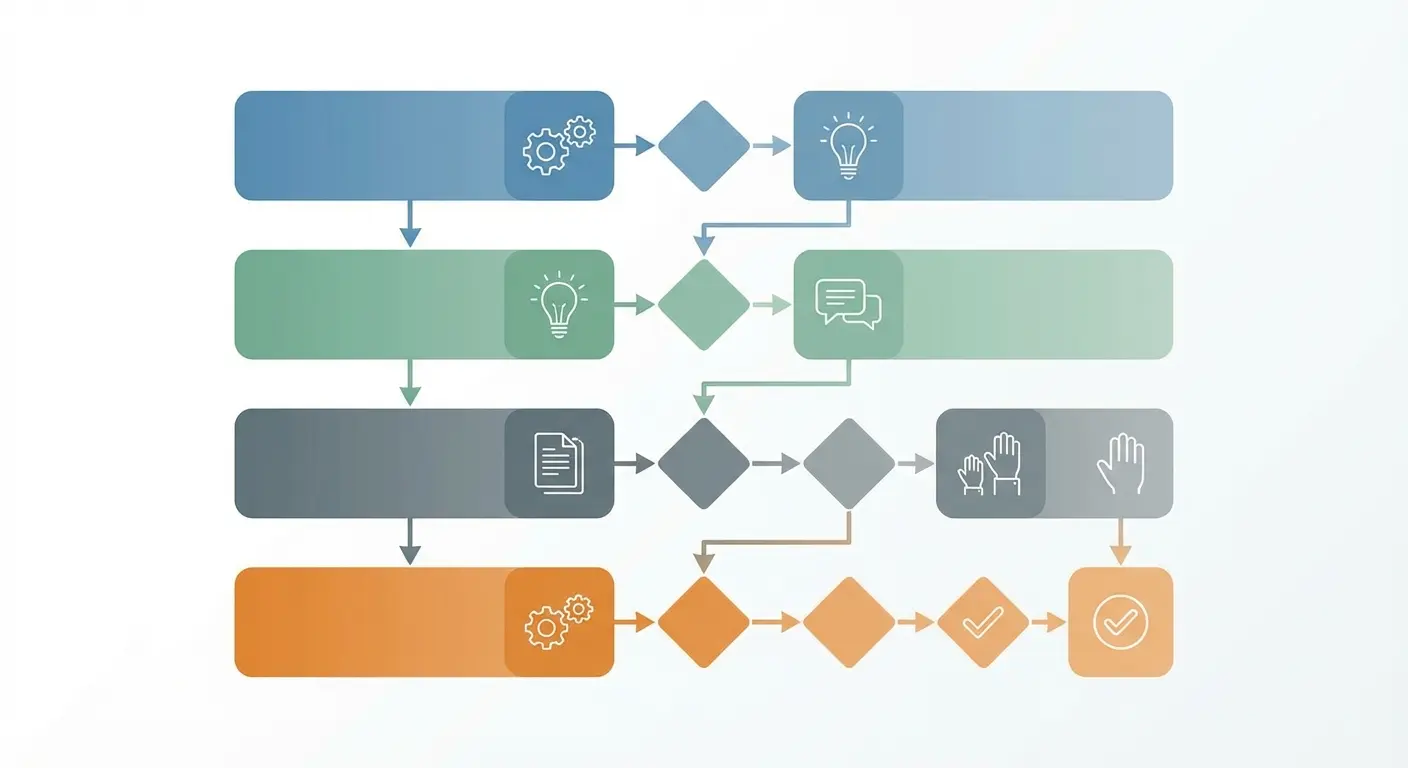
60-Minute Meeting Design (The Version I Actually Use)
Before you even schedule it:
-
[ ] Write down the ONE decision this meeting needs to make. If you can’t name it in one sentence, you’re not ready to meet.
-
[ ] Cut your attendee list in half. Then cut it again. If someone doesn’t directly contribute to that decision, they’re optional.
-
[ ] Assign pre-work. And I mean really assign it, with a deadline and consequences for not doing it.
-
[ ] Build an agenda with time blocks that total 50 minutes (10-minute buffer for the inevitable overruns)
During the meeting:
-
Minutes 0-5: State the objective. Confirm everyone did the pre-work. (If they didn’t, reschedule. Seriously.)
-
Minutes 5-40: Discuss, debate, decide. Time-box each agenda item. When time’s up, move on.
-
Minutes 40-50: Assign action items with specific owners and deadlines. No “team will handle this” nonsense.
-
Minutes 50-60: Buffer for overruns or early wrap
After:
-
[ ] Send notes within 2 hours. Include the decision, the rationale, and who’s doing what.
-
[ ] Put unresolved items in a parking lot doc. Review it weekly.
Does this feel rigid? Good. That’s the point.
How to Structure Around the Boundary
Start with the end. If you know the meeting ends at 60 minutes, design backward from the decisions you need to make or the outcomes you need to reach. Allocate time in blocks. Reserve the last 10 minutes for action items and next steps. Non-negotiable.
Front-load the most important topics. Don’t save them for “after we cover the updates.” Cover them first, while energy and attention are highest. Use the middle section for discussion and problem-solving. Treat the final segment as synthesis, not new content.
This structure only works if you communicate it in advance. Send an agenda with time blocks. Tell people what you need from them and when. The time limit becomes a shared framework instead of a surprise interruption.
The Power of the Hard Stop
Something shifts when everyone knows a meeting will end exactly at 60 minutes. Conversations become more direct. People get to the point faster. The natural human tendency to fill available time gets compressed into something more useful.
You can simulate this with unlimited meeting time, but it requires discipline most teams don’t have. The time limit enforces what good facilitation should enforce anyway. It’s training wheels for meeting hygiene, and most teams need them more than they’d admit.
A product team at a fintech startup (around 15 people, doing payment infrastructure) used to run 90-minute sprint planning sessions that felt rushed despite the length. When budget cuts forced them onto Google Meet’s free tier, they had to redesign everything around 60 minutes. They moved story point estimation to async voting in Jira before the meeting, created a pre-populated sprint backlog that people reviewed beforehand, and used the live session purely for clarifying questions and commitment.
Sprint planning now takes 45 minutes, has higher attendance (because people aren’t dreading a 90-minute slog), and produces clearer commitments because there’s no time for scope creep during the call.
When Upgrading Actually Makes Things Worse
The Meetings That Multiply
After many organizations upgrade to Workspace, meeting duration increases, meeting frequency increases, and overall meeting load becomes unsustainable.
Without the 60-minute constraint, people start booking 90-minute and two-hour blocks as the default. Calendar space that used to be protected by the implicit understanding that “we can’t run meetings longer than an hour without paying” suddenly becomes fair game. Your
schedule fills up faster than before.
According to G2’s 2025 analysis of video conferencing platforms, Google Meet is rated 4.6/5 and is frequently highlighted for its simplicity and seamless Google Calendar integration, but reviewers consistently note that the free version’s time limit helps teams maintain meeting discipline. A benefit that disappears with unlimited plans.
The upgrade removes friction, which sounds good until you realize that friction was preventing bad meetings from happening. Not every meeting deserves to exist, and not every discussion deserves 90 minutes. The limit was filtering some of this out automatically.
When the Problem Isn’t Time
Some teams upgrade and discover their meetings still feel rushed, still end without clear outcomes, still leave participants frustrated. The constraint wasn’t the issue. The issue was poor planning, unclear objectives, or fundamental disagreement about priorities.
Throwing unlimited time at these problems is expensive procrastination. You’re paying for the privilege of spending more time in dysfunctional meetings. The better investment would be facilitation training, clearer decision-making frameworks, or honest conversations about whether certain meetings should exist at all.
You’ll know you’re in this situation if your team upgrades and people immediately start saying “well, now we can really dig into things.” That’s not a feature. That’s a warning sign that you’ve been avoiding depth and hoping more time will create it.
|
Symptom |
Root Cause |
Wrong Solution |
Right Solution |
|---|---|---|---|
|
Meetings consistently hit 60 minutes |
Too many agenda items or wrong attendees |
Upgrade for unlimited time |
Audit agenda; remove status updates; reduce attendee list |
|
Decisions keep getting revisited |
Unclear decision-making authority |
Extend meetings to “talk it through more” |
Define DACI framework; document decisions with rationale |
|
Team feels “meeting fatigue” |
Too many synchronous touchpoints |
Add more meeting time to “connect better” |
Move 40% of meetings to async updates; protect focus time |
|
Important topics never get discussed |
Poor prioritization and facilitation |
Book longer meetings “just in case” |
Front-load critical items; use parking lot for tangents |
|
Participants seem disengaged |
Wrong people in room or unclear purpose |
Make meetings longer hoping engagement improves |
Redefine meeting purpose; invite only decision-makers |
When You Actually Should Upgrade
Okay, I’ve spent 3,000 words telling you not to upgrade. But there are legit reasons to pay for Workspace that have nothing to do with time limits:
-
You need breakout rooms for workshop-style meetings
-
You’re recording everything for compliance reasons and need the storage
-
You’re running webinars or all-hands with 100+ people
-
You need advanced admin controls for security
If any of those apply, just upgrade. The $6/month is worth it. This whole post doesn’t apply to you.
I’m talking to the teams who are upgrading JUST to get past 60 minutes because they can’t be bothered to fix their meeting structure. That’s where the money gets wasted.
Yeah, Workspace is $6/month per user. For a 10-person team, that’s $720/year. Not nothing. But probably less than you spend on that project management tool everyone ignores. The question isn’t whether you can afford it. It’s whether you’d be paying to enable bad habits.
Async Communication as a Time Limit Strategy
What Belongs Outside the Meeting
Status updates don’t need synchronous time. Neither do information broadcasts, routine approvals, or anything that doesn’t require real-time discussion. Yet these items consume massive chunks of meeting time because they’re easy to default to verbal updates.
You can reclaim 20-30 minutes of most meetings by moving this content to async channels. Record a quick Loom video instead of presenting slides live. Share a written update in a shared doc and ask people to comment with questions. Use Slack threads for decisions that don’t need immediate resolution.
The hard part isn’t the tools. It’s changing the expectation that “important” means “discussed in a meeting.” That’s a cultural shift, and it requires consistent modeling from leadership. When managers start saying “I’m putting this in the doc instead of covering it in our call,” others follow.

Pre-Work That Actually Happens
Async communication works best when it’s required input for synchronous time, not optional background reading. Tell people exactly what you need them to review, create, or decide before the meeting. Make it clear that the meeting will assume they’ve done it.
This approach compresses meeting time dramatically. Instead of spending the first 20 minutes getting everyone on the same page, you start from a shared baseline and use synchronous time for the discussions that benefit from real-time interaction. Questions, debates, brainstorming, conflict resolution. These are worth the meeting slot.
The 60-minute limit becomes much easier to work with when you’re only using it for things that need it. Everything else happens asynchronously, on people’s own schedules, without the coordination cost of getting everyone in the same virtual room.
Async-First Meeting Prep (What I Actually Do)
3 Days Before Meeting:
-
[ ] Share background document with context, data, and proposed options
-
[ ] Assign specific sections for each attendee to review and comment on
-
[ ] Post 2-3 specific questions people must answer in doc comments by deadline
1 Day Before Meeting:
-
[ ] Review all async comments and identify areas of consensus vs. disagreement
-
[ ] Update agenda to focus only on unresolved questions and decisions
-
[ ] Send revised agenda showing what was already decided async (celebrate the progress)
-
[ ] Confirm which attendees are optional based on what’s left to discuss
During Meeting:
-
[ ] Reference async contributions by name (“Based on Sarah’s comment…”)
-
[ ] Skip anything already resolved in comments
-
[ ] Focus exclusively on items requiring real-time discussion
After Meeting:
-
[ ] Document decisions back in original async doc for continuity
-
[ ] Note which async process worked well and which needs refinement
Look, implementing this stuff is annoying. Your team will resist. People will complain that “we don’t have time” to do pre-work (the irony is painful). Someone will definitely say “this feels too rigid” or “we’re not a military operation.”
You’ll be tempted to give up and just let meetings run however they run. I’ve been there. It’s easier.
But six months from now, you’ll still be hitting time limits, still feeling rushed, still wondering why nothing ever gets decided. So.
Recording Workarounds That Change Meeting Behavior
Recording as a Time Extension Alternative
You don’t need a longer meeting if people can watch the parts they missed. This seems obvious but most teams don’t operationalize it.
When you hit the 55-minute mark and realize you won’t finish everything, you have options beyond “start a new link.” You can record the remaining discussion with just the people who need to be there and share it with everyone else. You can split the topic into a separate follow-up call that’s recorded from the start. You can use recording strategically to reduce the number of people who need to attend synchronously.
This only works if your team culture supports watching recordings. Some organizations treat recorded meetings as evidence that you weren’t important enough to attend live. That’s toxic and counterproductive. The better approach is to normalize recordings as a way to respect people’s time and schedules.
Segment Recording for Efficiency
You don’t have to record the entire meeting. Record the 15-minute segment where you made the key decision. Record the product demo. Record the client feedback session. Leave the rest unrecorded.
Selective recording serves two purposes. It reduces the storage and review burden (nobody wants to watch a 60-minute recording to find three minutes of relevant content). It also signals to participants which parts of the meeting carry the most weight. Behavior sharpens when people know their contributions are being captured.
Use timestamps and summaries when you share recordings. Tell people exactly where to jump to for the content they care about. The easier you make it to consume recorded content, the more likely people will use it as an alternative to meeting attendance.
I use Loom for async updates, usually 3-5 minute videos walking through designs or explaining decisions. Way faster than writing it out, and people can watch at 1.5x speed. We dump them in a Slack channel with a quick summary and timestamp markers for anyone who only cares about specific parts.
A customer success team I worked with last year (B2B software company, about 20 account managers) was struggling with product update meetings that ran over the time limit because people across different time zones all had questions. The meetings were a disaster. People joining late, others dropping early, the same questions getting asked three times because someone missed the first answer.
They switched to a hybrid model: the product team recorded a 15-minute walkthrough of new features with screen sharing and uploaded it to their shared Drive with timestamps for each feature. Then they held a 30-minute live Q&A session where people could ask questions about what they’d watched.
Account managers in conflicting time zones watched the recording and submitted questions via a shared doc. Full coverage of updates in half the synchronous time, and a library of feature walkthroughs that new hires could reference during onboarding.

The Real Reason Enterprise Teams Hit Time Limits
Calendar Tetris and Meeting Creep
Enterprise teams rarely hit Google Meet’s time limit because they’ve upgraded. They hit time limits of a different kind: no available slots, back-to-back calls, and the inability to extend discussions even when they should because someone has to jump to another meeting.
Research shows that all paid Google Workspace plans extend meeting duration to 24 hours, effectively removing time as a constraint. Yet enterprise teams still report feeling rushed and time-pressured in meetings, indicating the issue runs deeper than platform limitations.
This is a scheduling problem masquerading as a platform problem. When your calendar is booked in 30-minute increments with no buffer time, every meeting feels rushed regardless of whether it has a technical time limit. You’re constantly watching the clock because you’re always about to be late to something else.
The solution isn’t unlimited meeting length. It’s meeting reduction and better calendar boundaries. Block focus time. Require 15-minute buffers between calls. Implement no-meeting days. These organizational changes matter more than any feature Google Meet offers.
The Cost of Always-On Availability
Teams that treat video calls as the default communication mode create artificial time scarcity. When every question becomes a meeting and every meeting needs everyone present, you run out of time no matter how long individual meetings can last.
You see this in organizations where declining a meeting invitation feels risky or where people book calls instead of sending a message because “it’s faster to just talk.” These patterns compound until everyone’s calendar is full and nobody has time to do the work the meetings are supposedly about.
In SlashGear’s 2025 roundup of video conferencing alternatives, analysts noted that while platforms like Google Meet and Jitsi Meet offer generous or unlimited time limits, the real differentiator for productivity isn’t duration. It’s integration with existing workflows and the ability to seamlessly blend async and sync communication. Teams switching platforms for time limits alone often discover their meeting problems follow them.
The time limit problem is really a prioritization problem. You have unlimited time in aggregate. You just don’t have unlimited synchronous time with specific people. Treating those as the same thing creates the feeling of constant time pressure.
How to Design Meetings That Respect Constraints
The 15-Minute Check-In Structure
Not every meeting needs 60 minutes just because you have it. Some discussions genuinely require 15 minutes, and stretching them to fill a standard calendar block wastes 45 minutes of collective time.
Design your recurring check-ins as 15-minute sprints. One topic, one decision, or one blocker to resolve. Start exactly on time (waiting for latecomers rewards bad behavior and punishes people who showed up). State the objective in the first 30 seconds. Discuss for 12 minutes. Use the final two minutes for action items and ownership assignment.
This structure works because it eliminates filler. There’s no time for tangents or revisiting decisions you already made last week. You get in, handle the thing that needs handling, and get out. Your team will resist at first because it feels abrupt. They’ll adjust once they realize how much time they’re getting back.

Decision-Making Frameworks That Move Fast
Meetings drag when nobody knows how decisions get made. You discuss endlessly because there’s no clear path from conversation to conclusion.
Establish the decision-making mode before the meeting starts. Are you seeking input, building consensus, or making a unilateral call after hearing perspectives? Tell people which one applies. This single clarification can cut meeting time in half because it eliminates the confusion about whether you’re still debating or ready to decide.
Use the “disagree and commit” framework for contentious topics. Give everyone space to voice concerns (time-boxed), then make the call and require everyone to support it moving forward. This prevents the endless loop where the same objections resurface in every meeting because nothing ever gets truly decided.
The Parking Lot Technique That Actually Works
Every meeting generates tangents. Some are valuable. Most aren’t worth derailing the current discussion.
Create a visible parking lot (a shared doc, a section of your virtual whiteboard, whatever works) and ruthlessly redirect off-topic items to it. The key is following up. Schedule 15 minutes at the end of the week to review parked items and decide which ones need meetings of their own.
This technique only works if people trust you’ll revisit parked topics. The first few times you use it, they’ll think you’re dismissing their concerns. Prove otherwise by consistently coming back to the parking lot and addressing
items that matter. Once that trust exists, people will self-police tangents because they know there’s a legitimate process for handling them.
I used to think the solution was just “better agendas.” Spent years preaching about structured meetings and time-boxing. And yeah, that helps.
But I was missing the bigger point: most meetings shouldn’t exist at all. Better agendas make bad meetings slightly less bad. They don’t address why you’re meeting in the first place.
That realization only hit after I watched a team implement every best practice I suggested, and they were still miserable because they were still in meetings 6 hours a day. Better meetings, sure. But way too many of them.
Working With The Marketing Agency
Meetings that consistently run long often signal deeper issues with project scoping, stakeholder alignment, or internal communication workflows. You can optimize individual meetings all you want, but if your underlying project structure is chaotic, you’ll keep hitting time constraints (and every other kind of constraint).
Look, I run The Marketing Agency, so I’m obviously biased here. But I’m going to say this anyway because it’s true:
If you’re constantly scrambling to extend meetings, hitting time limits, and feeling like you’re rehashing the same conversations every week… that’s usually not a meeting problem. It’s a strategy problem.
I’ve worked with teams who thought they needed better facilitation when they needed clearer campaign objectives. Teams who blamed “meeting culture” when the real issue was misaligned stakeholders and no documentation process.
You can optimize individual meetings all you want. But if your underlying project structure is chaos, you’ll keep hitting every kind of constraint. Time, budget, patience, all of it.

We work on the strategy and operational foundation that makes meetings shorter by default. The documentation systems, the decision-making frameworks, the communication workflows that eliminate half your meetings before they even get scheduled.
If you’re spending more time coordinating than executing, we should probably talk. But honestly? Start with the audit I mentioned earlier. You might not need us at all.
Final Thoughts
You can upgrade to unlimited Google Meet time. You can implement every workaround in this piece. You can buy better tools and fancier facilitation training.
None of it matters if you won’t ask the harder question: Does this meeting need to exist?
The teams I’ve seen handle time constraints best aren’t the ones with the biggest budgets or the slickest tools. They’re the ones that got tired of wasting time and did something about it. They killed half their meetings. They prepared ruthlessly for the ones they kept. They made decisions instead of endlessly discussing.
The 60-minute limit isn’t your enemy. It’s feedback. It’s telling you something about how your team works, or doesn’t work.
You can listen to that feedback or you can pay to make it go away. Your call.
But if you’re constantly hitting time limits, feeling rushed in meetings, and watching your calendar fill up with back-to-back calls… maybe the problem isn’t the platform. Maybe it’s time to redesign how you work.
Real Talk
Most teams won’t do any of this. They’ll read this post, nod along, maybe try one or two things, then drift back to their old habits. Meetings will keep running long. Calendars will stay packed. Everyone will keep complaining about “meeting culture” while doing nothing to change it.
That’s fine. Change is hard, especially when it requires getting a whole team on board.
But if you’re genuinely tired of wasting time in meetings, if you’re willing to be the person who pushes back and redesigns how things work, the payoff is massive. You get hours back every week. Decisions happen faster. People want to attend your meetings because they’re not soul-crushing wastes of time.
Your call.
Start with your next meeting. Just one. Time how long you spend on updates vs. decisions. Notice what you keep revisiting. Pay attention to who’s talking and who’s just there because they were invited.
The patterns will tell you everything you need to know.
The 60-minute limit might be helping you. Or it might be revealing that your meeting culture is broken. Either way, fighting the constraint isn’t the answer. Figuring out why you keep hitting it is.
